One wallet for money that lives between currencies.
We researched, designed and built PLYN: USD, EUR and stablecoins in one balance, with a card, transfers, Earn and an AI assistant.
Client and partner names are withheld under NDA.
Paid in one currency, living in another.
The client wanted a wallet for freelancers and remote workers who are paid in USDT and pay rent, groceries and subscriptions in EUR or USD. Their money was spread across an exchange, a bank and a card app, nobody showed them one number, and the costs of a transfer appeared only after it was sent.
| Problem | What it cost the user |
|---|---|
| Pay lands on an exchange, bills leave from a bank, the card lives in a third app | No single balance; every decision starts with adding up accounts |
| Fees, rates and the network show up late | Surprises after confirming; a wrong network can lose the money for good |
| Stablecoins sit at zero | Earning products feel locked, risky and full of jargon, so the money stays idle |
Problem
- Pay lands on an exchange, bills leave from a bank, the card lives in a third app
- Fees, rates and the network show up late
- Stablecoins sit at zero
What it cost the user
- No single balance; every decision starts with adding up accounts
- Surprises after confirming; a wrong network can lose the money for good
- Earning products feel locked, risky and full of jargon, so the money stays idle
We built the whole product, from research to the app.
One Sednor team of seven: four developers, a QA engineer, a UI/UX designer and a manager.
01Researched the problem
Desk research across popular crypto wallets and neobanks, their app store reviews and freelancer communities. The same three pains came up again and again, and each one became a rule for the product.
02Defined the product
Five tabs, each answering one question; the three money actions (Send, Get, Swap) one tap away from Home, every asset and the card; 11 flows and 38 screens, with loading, offline, error, empty and success states for each.
03Designed the product and the brand
Wireframes, high-fidelity mobile UI, one dark design system, the name, a wing mark and a mascot.
04Built the app
Everything behind the screens: the backend, ledger and API that keep USD, EUR and stablecoins in one balance; integrations with custody and crypto providers, a card issuer and bank accounts; the AI assistant that finds idle money, double subscriptions and new sign-ins; and the iOS and Android apps, built in React Native.
05Tested it
An accessibility audit against WCAG 2.2 AA on every screen, a tap count to every key goal and a heuristic review; issues were fixed in the design system, not screen by screen.
Three decisions shaped every flow.
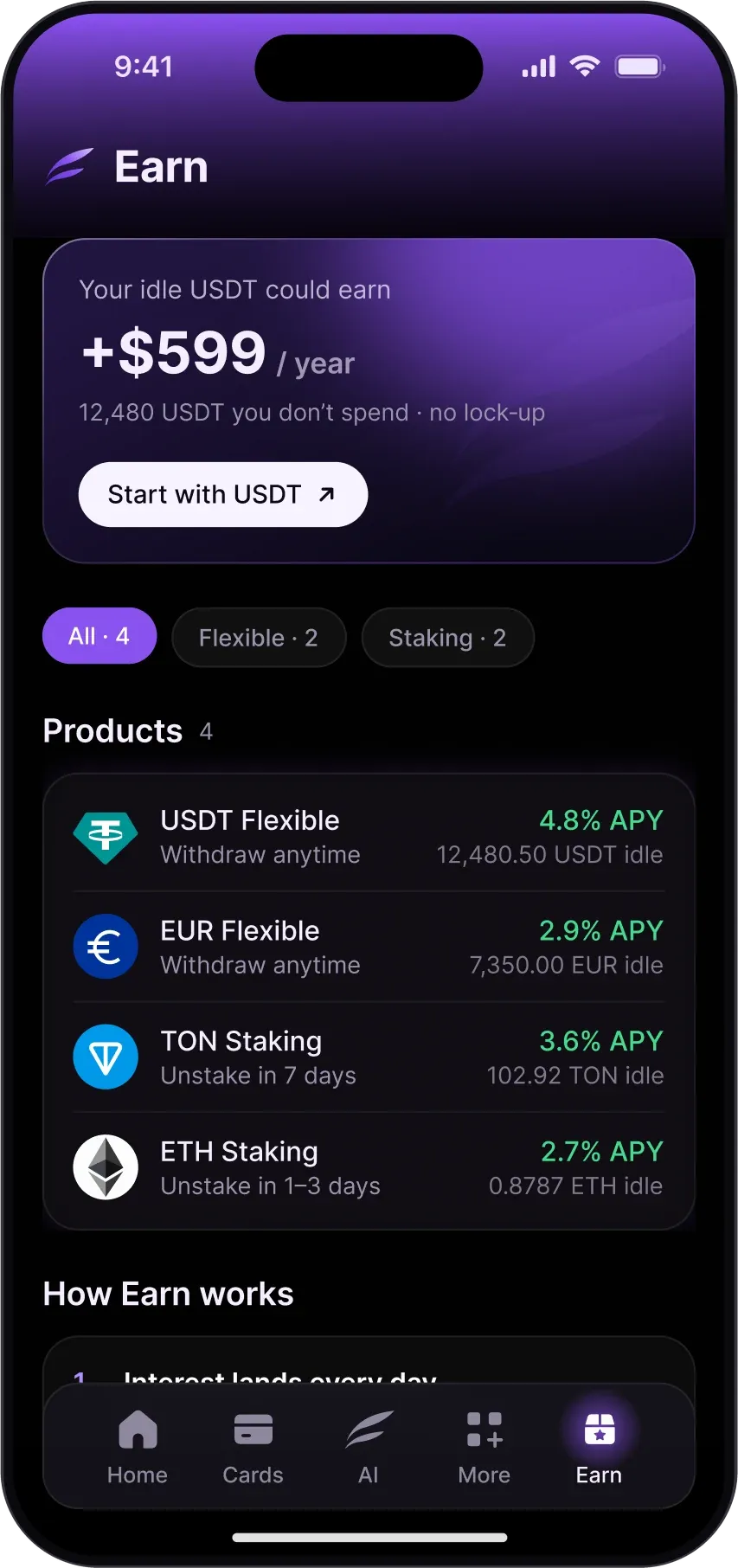
Make the first deposit feel reversible.
Yield already feels locked and risky.
The AI offers a flexible stablecoin product with no lock-up and daily payouts, not staking with a seven-day unstake.
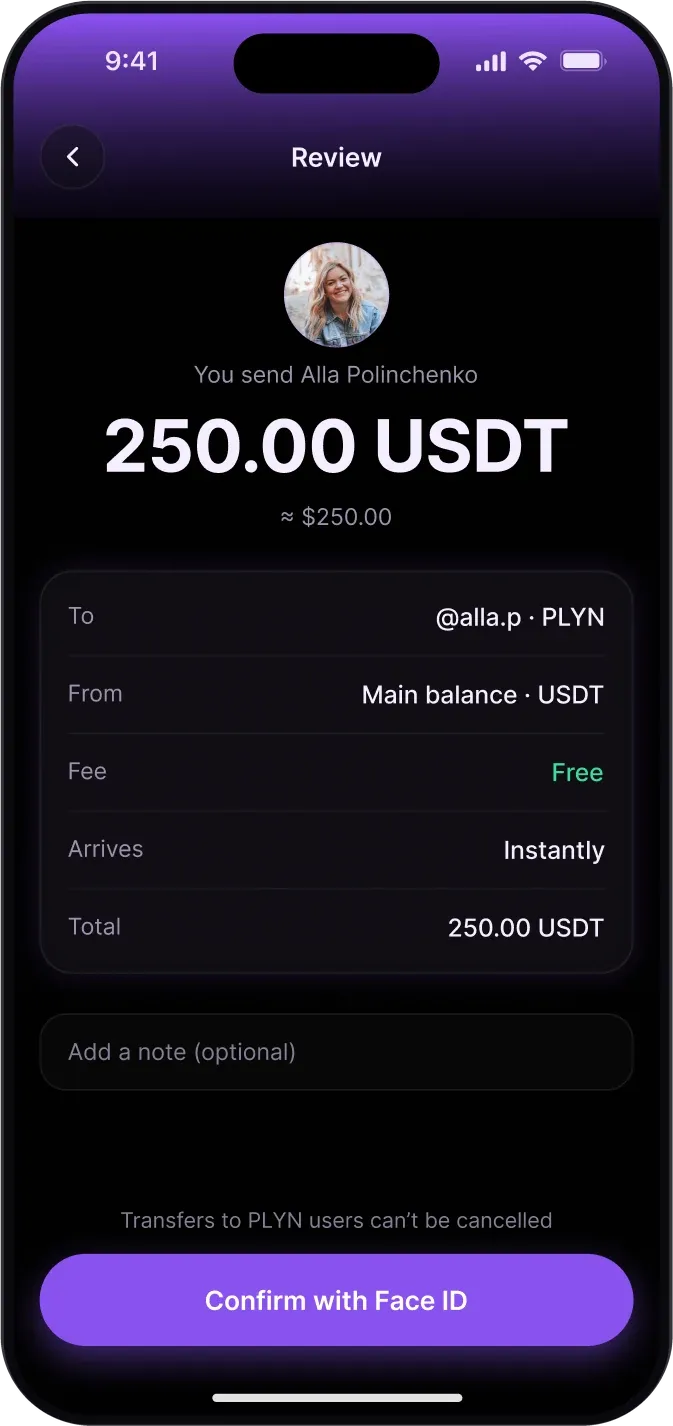
Show the money before it moves.
Fees, rates and the network show up after the user has confirmed.
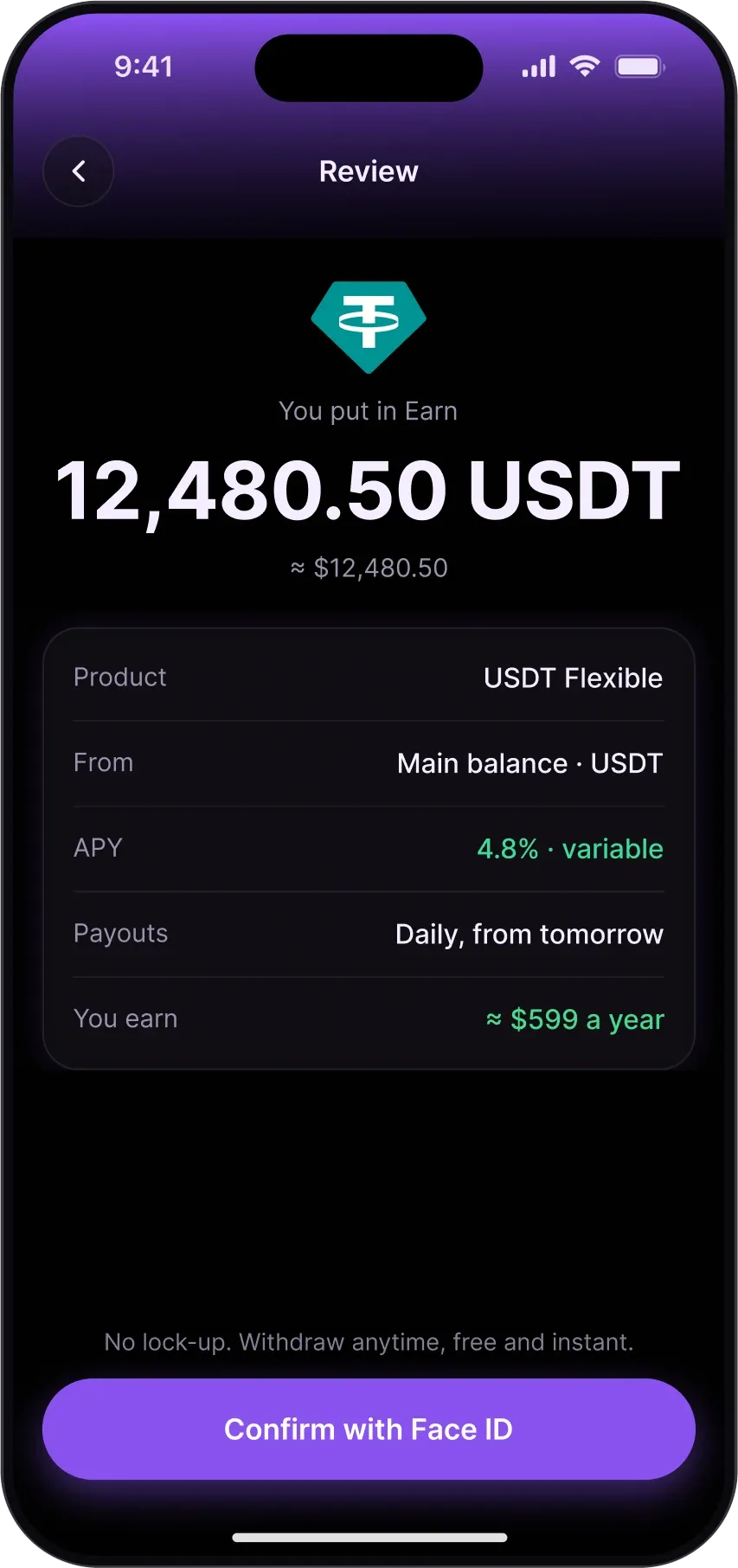
Fee, rate, network and the amount that arrives sit above the Face ID button, in every flow. One more line to read costs less than a lost transfer.
Trust first, delight second.
A cheerful mascot next to a lost transfer reads as mockery.
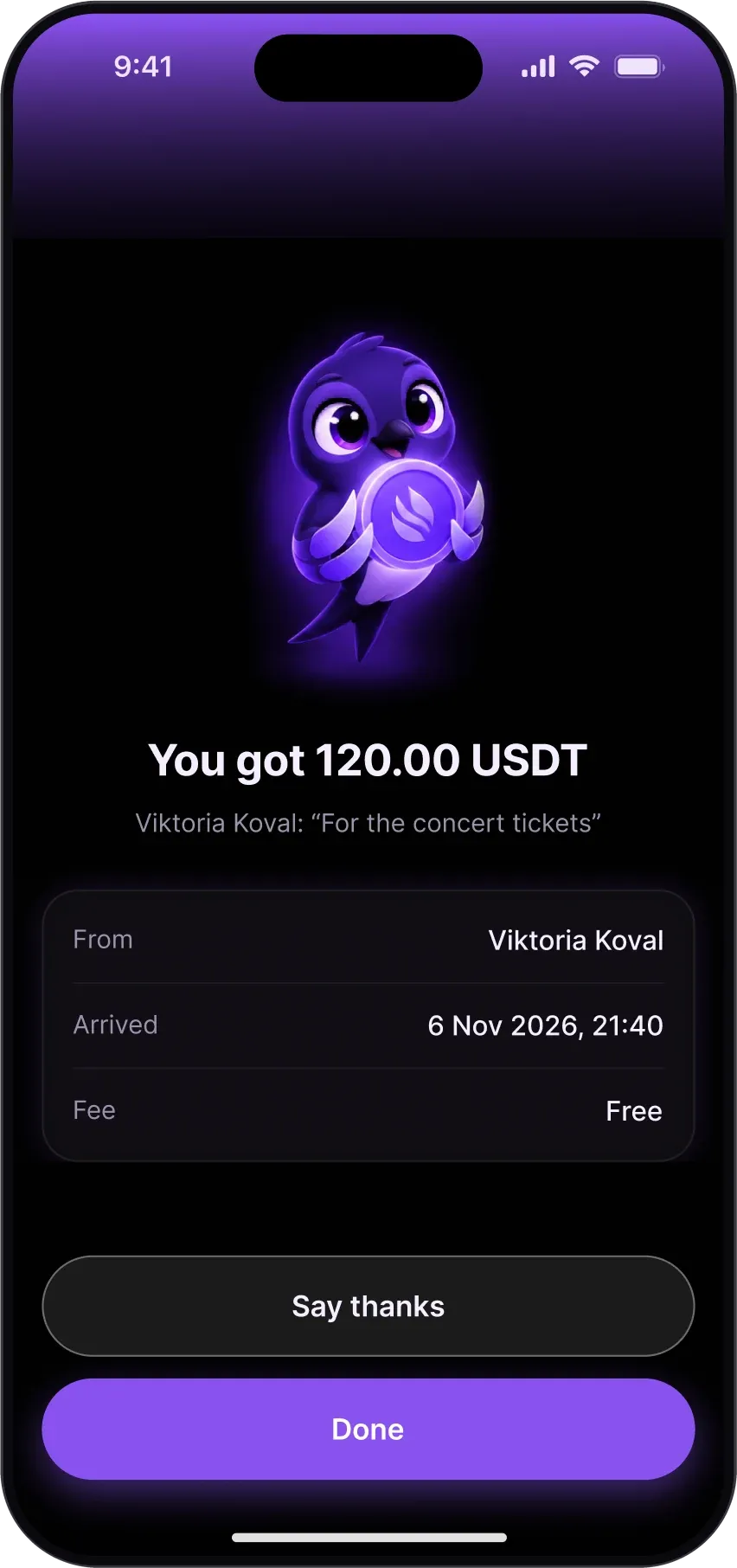
The mascot appears only when money arrives or waits — a transfer, a payout, cashback — never in errors, limits or security.
Five tabs, one balance.
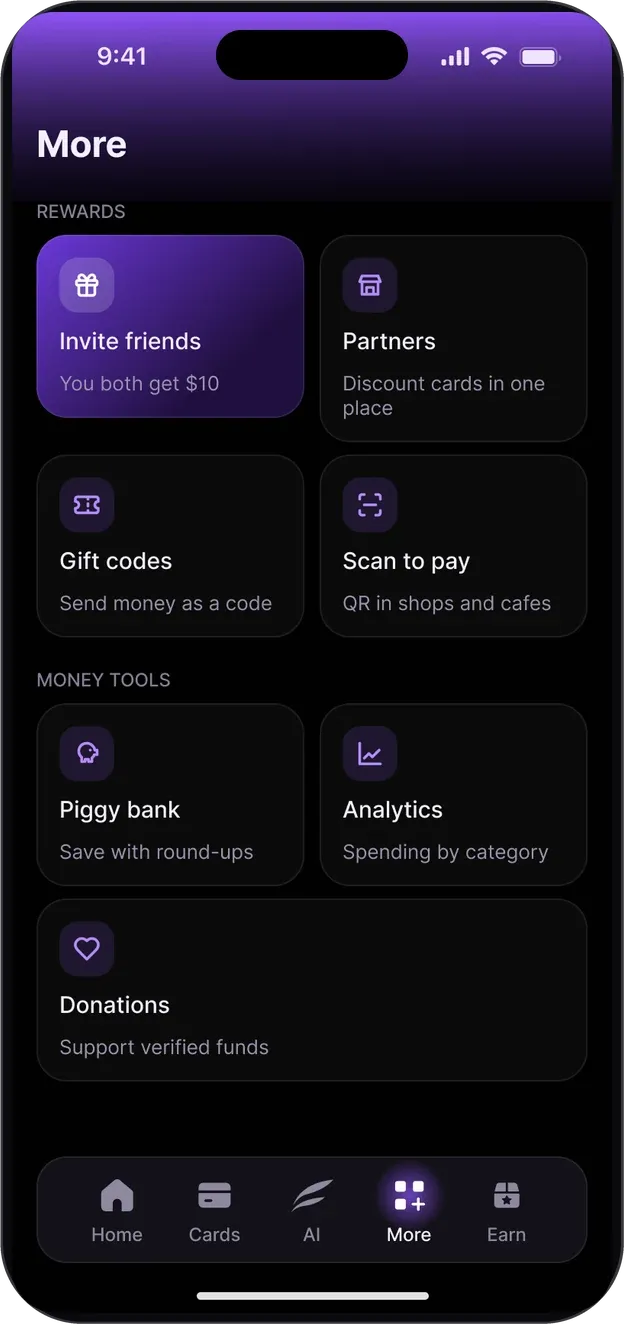
Every tab answers one question. Send, Get and Swap are never more than one tap away.
How much do I have?
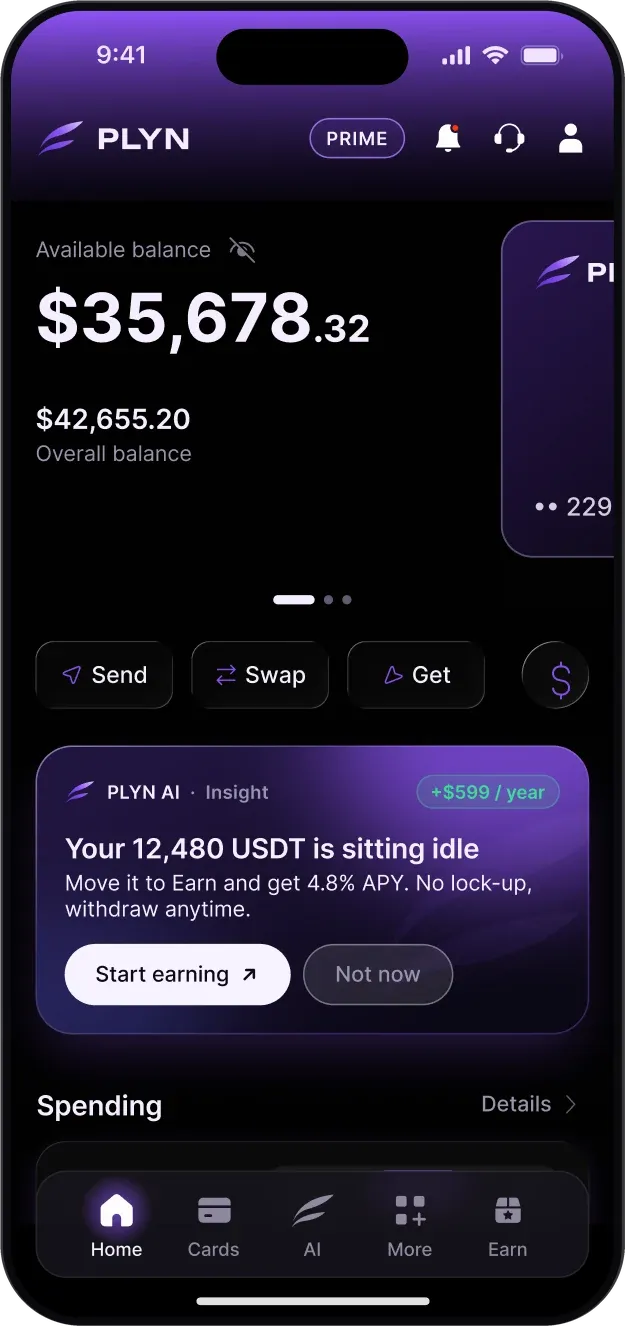
Available and overall balance across USD, EUR and stablecoins; one AI insight with one action; spending trends; last transactions; assets.
How do I pay?
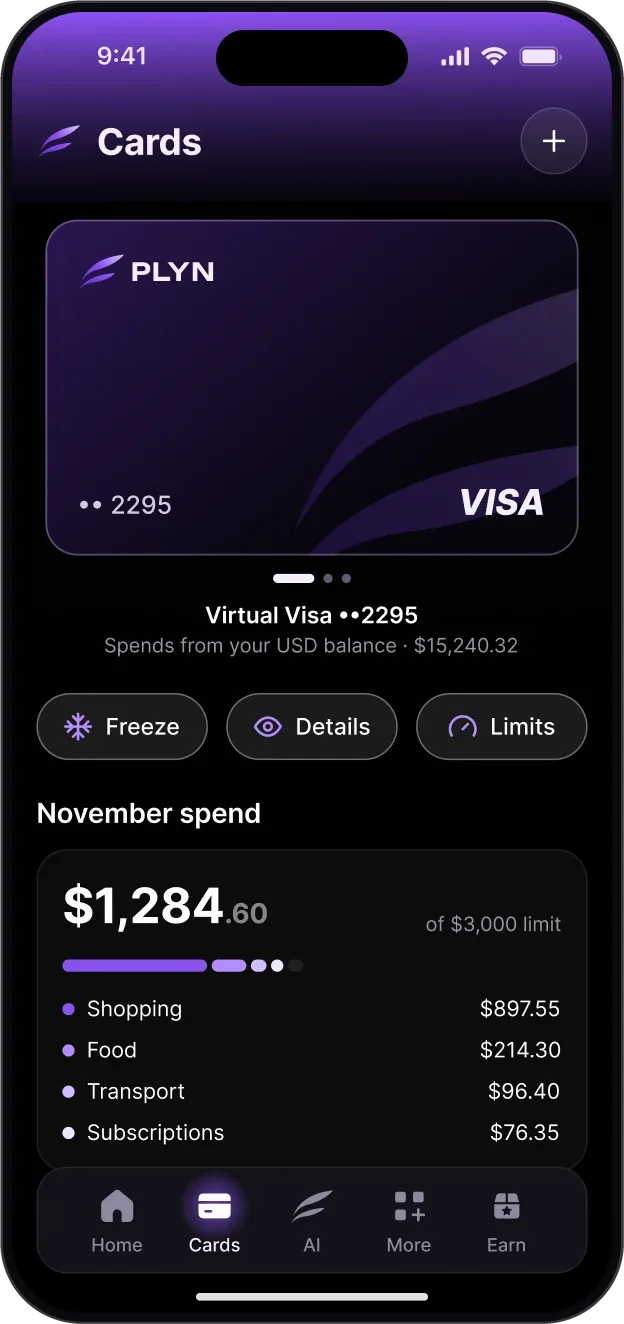
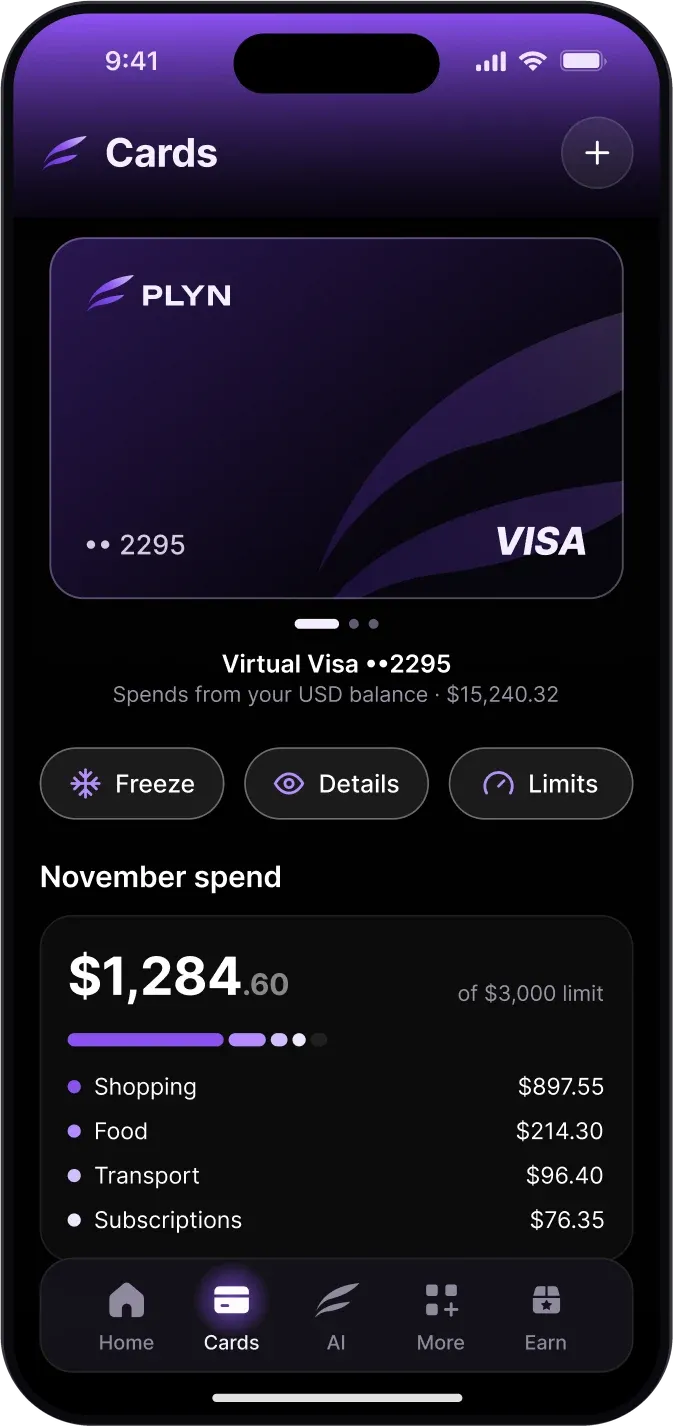
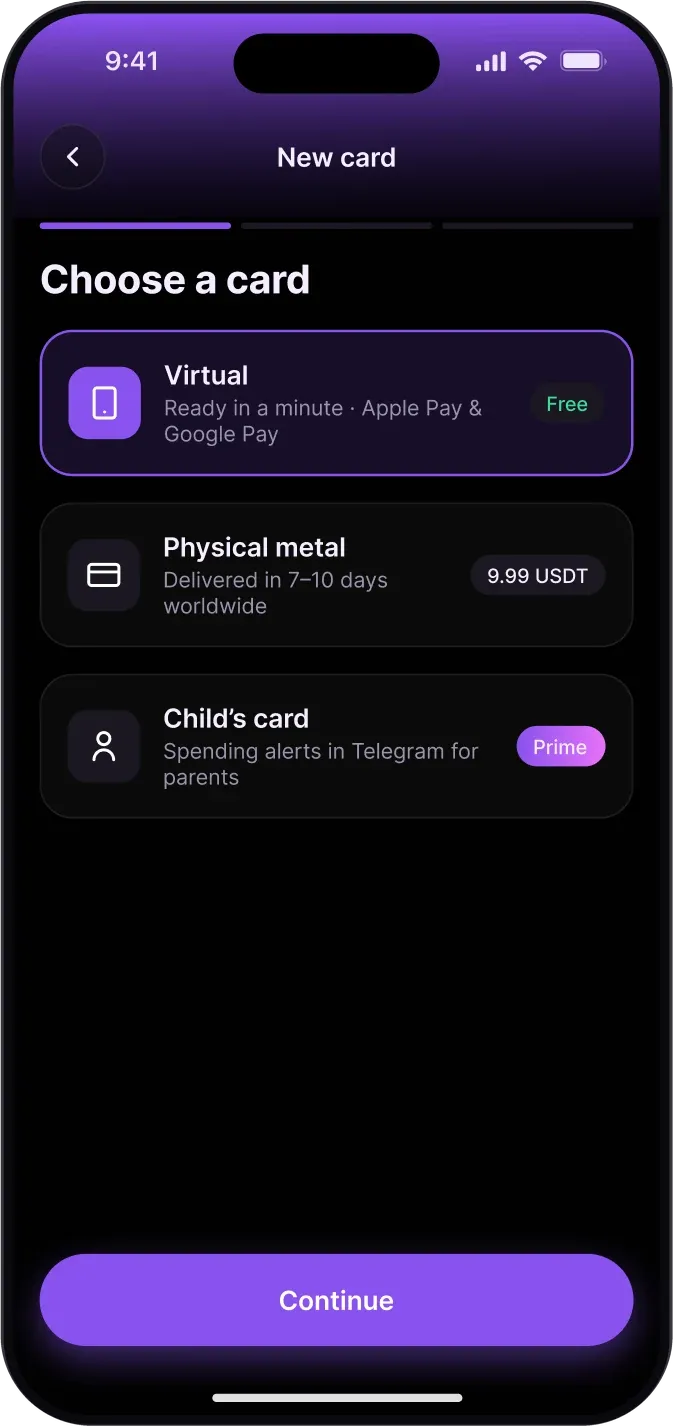
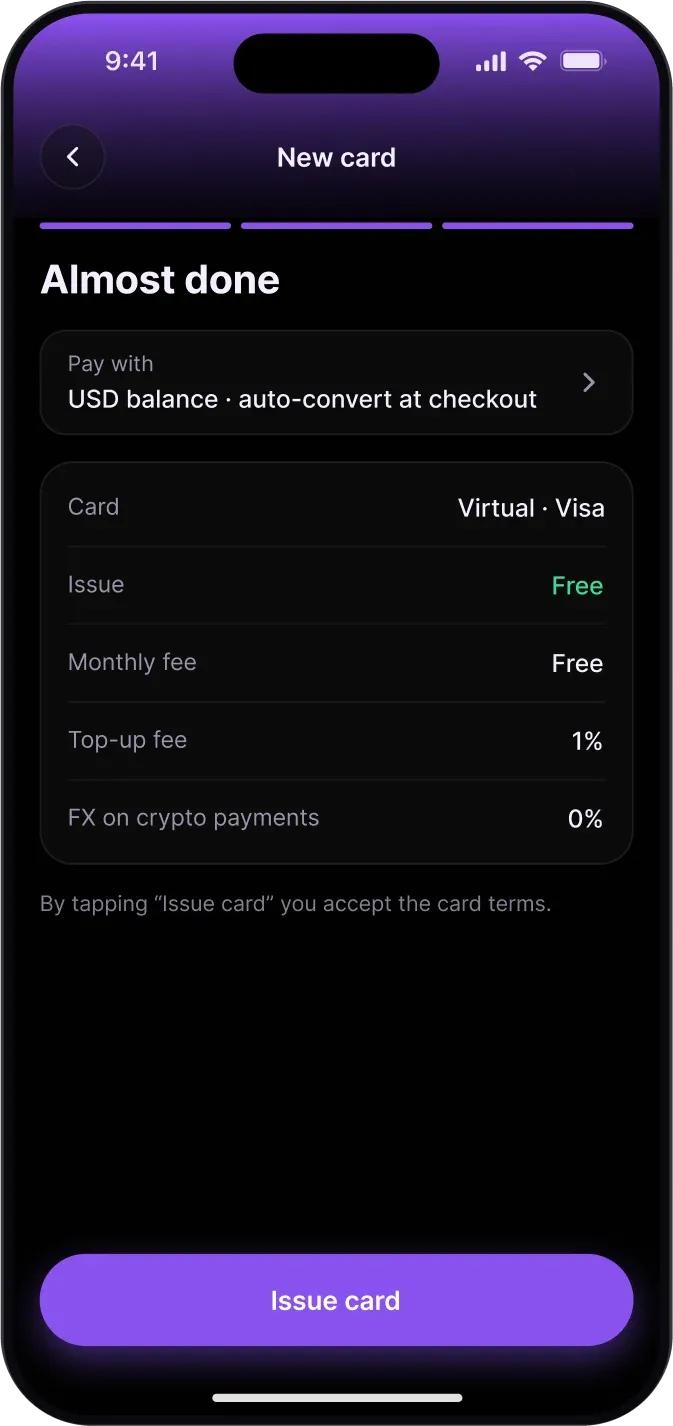
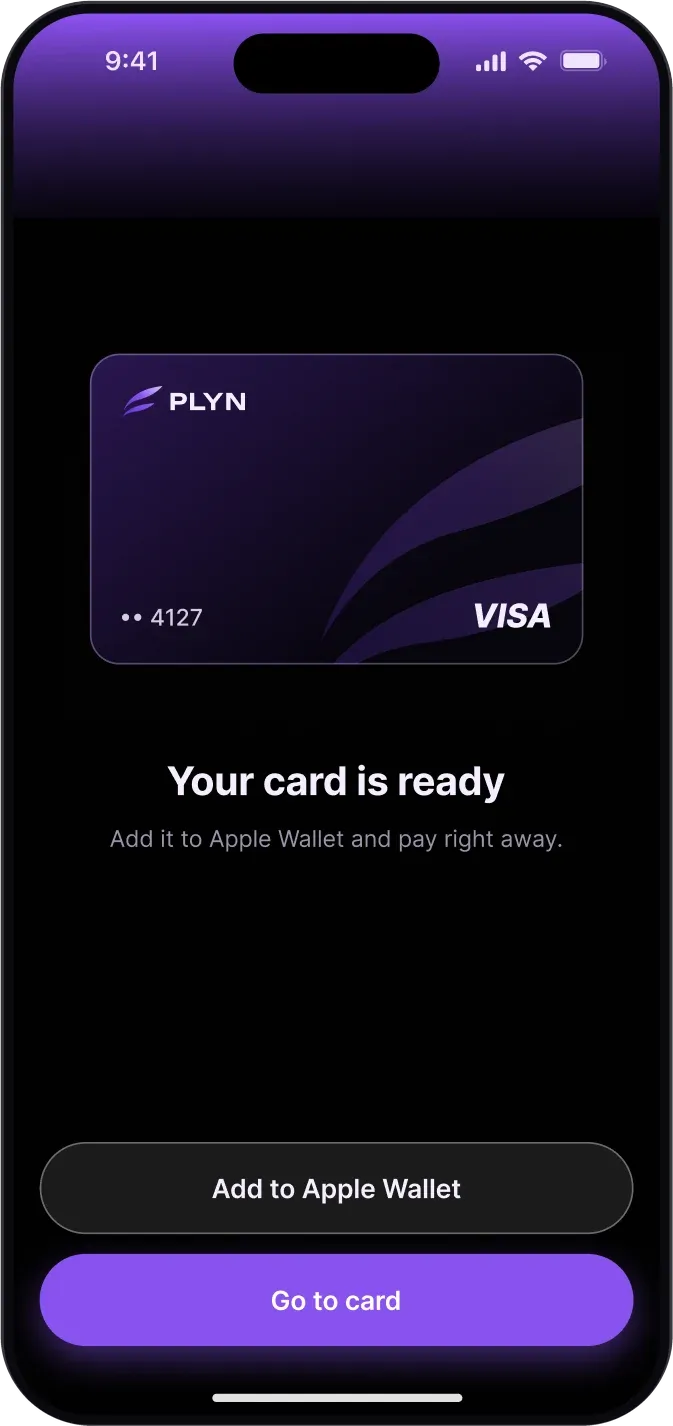
A virtual Visa card in Apple Wallet and Google Pay; freeze, details and limits; month spend against the limit; a new card in three steps.
What am I missing?
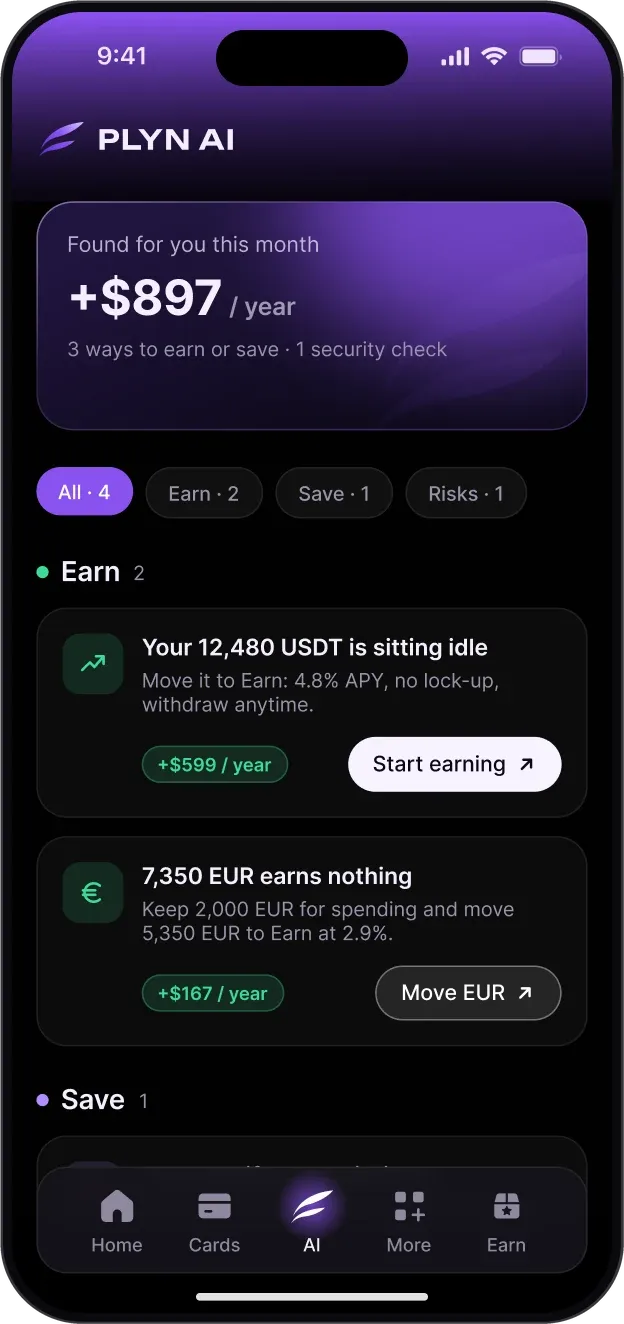
Insights on idle money, double subscriptions and new sign-ins, each with what it is worth and one action; questions about your money.
What else can I do?
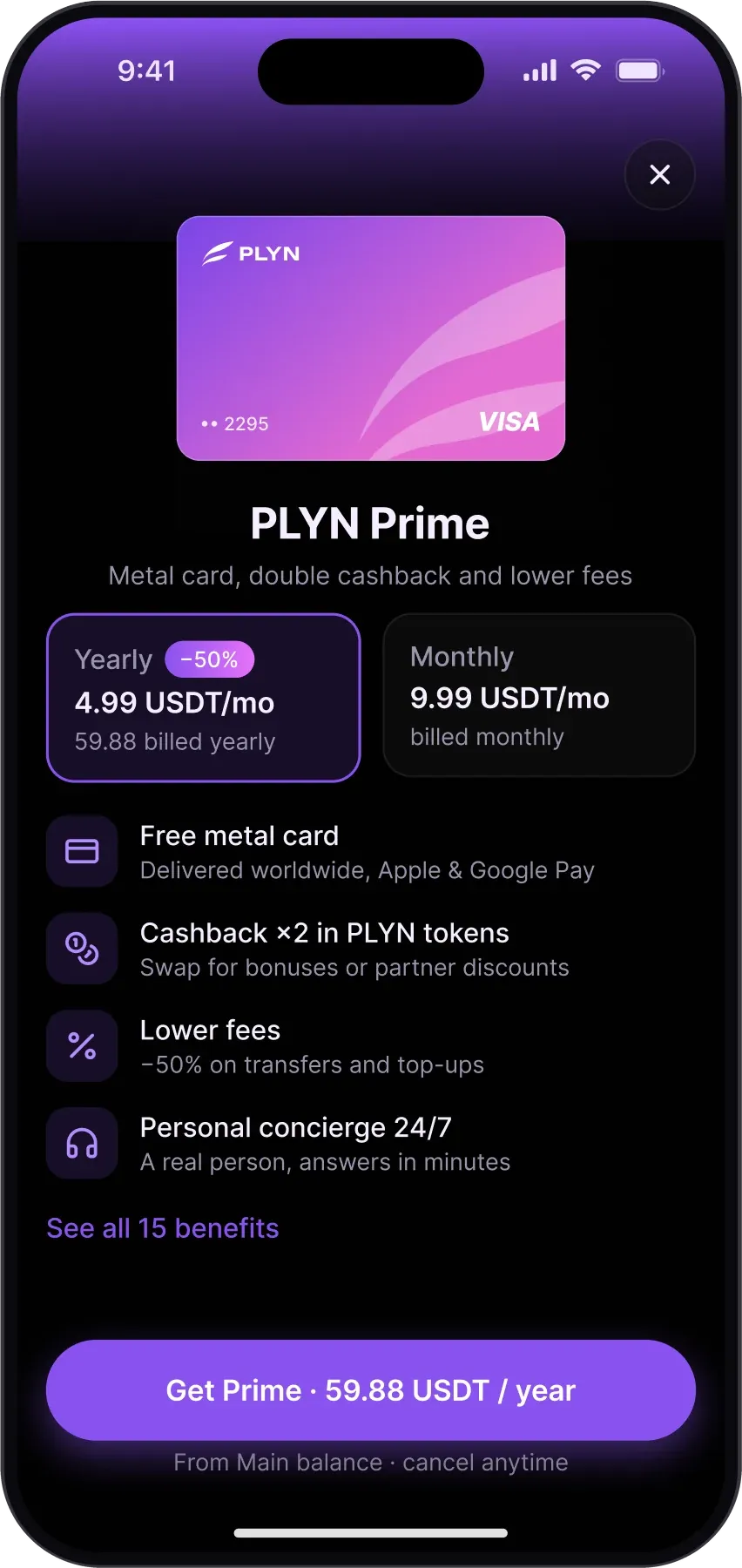
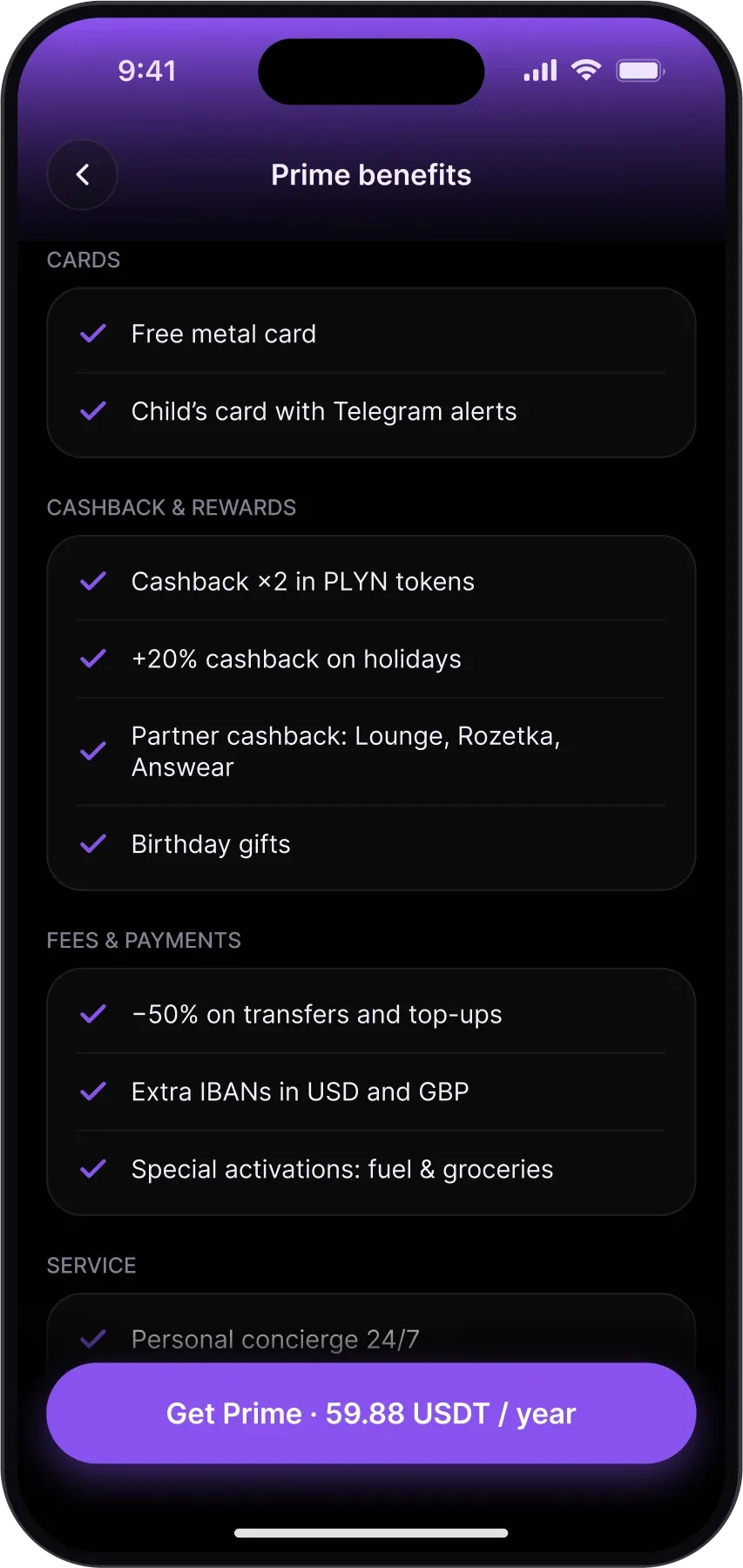
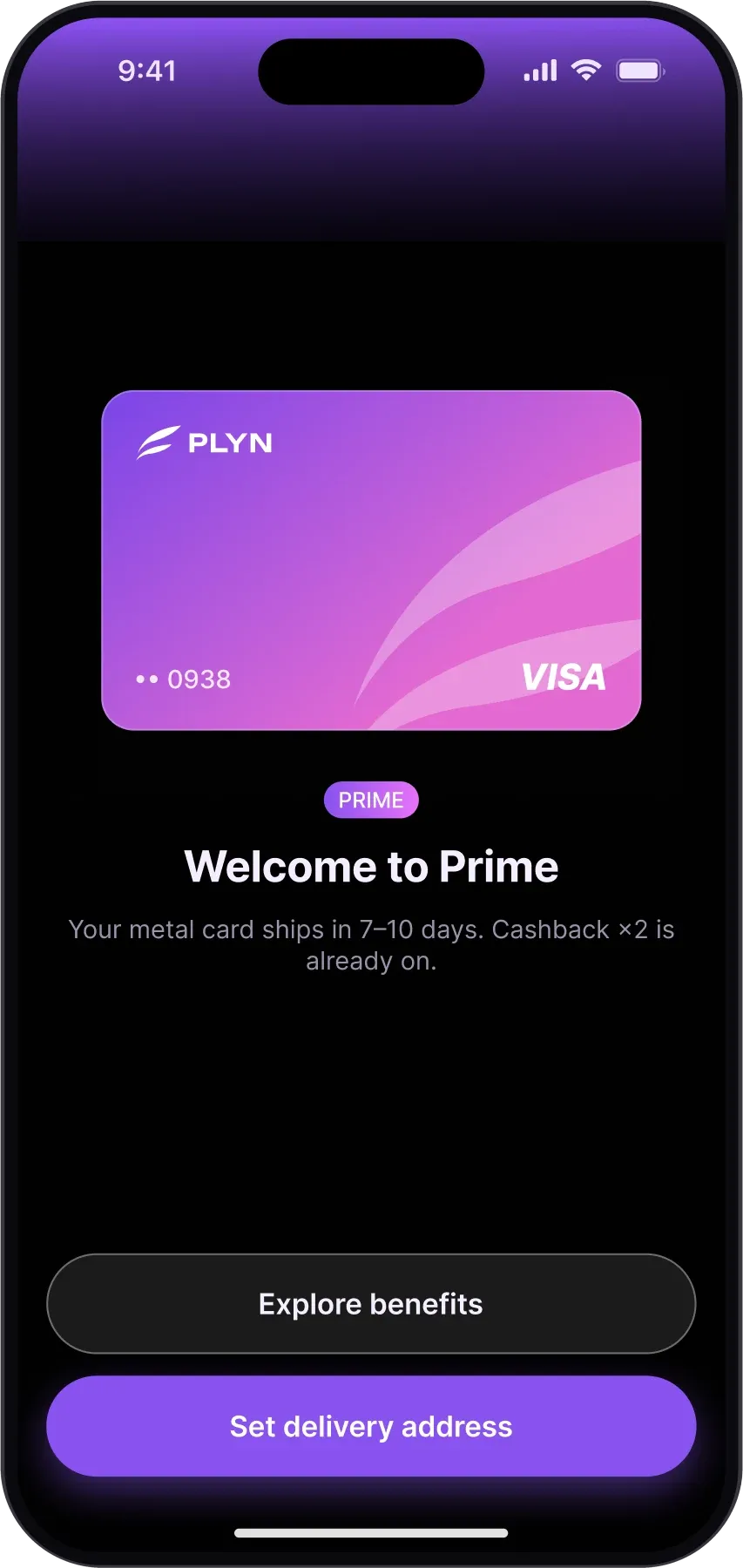
Gift codes that reserve the money and return it if unused; a child's card with spending alerts in Telegram; partner cashback; invitations; a paid Prime plan with a metal card.
How can it grow?
Flexible products with the rate shown before you confirm; deposit with Face ID; daily payouts, no lock-up; auto-earn.
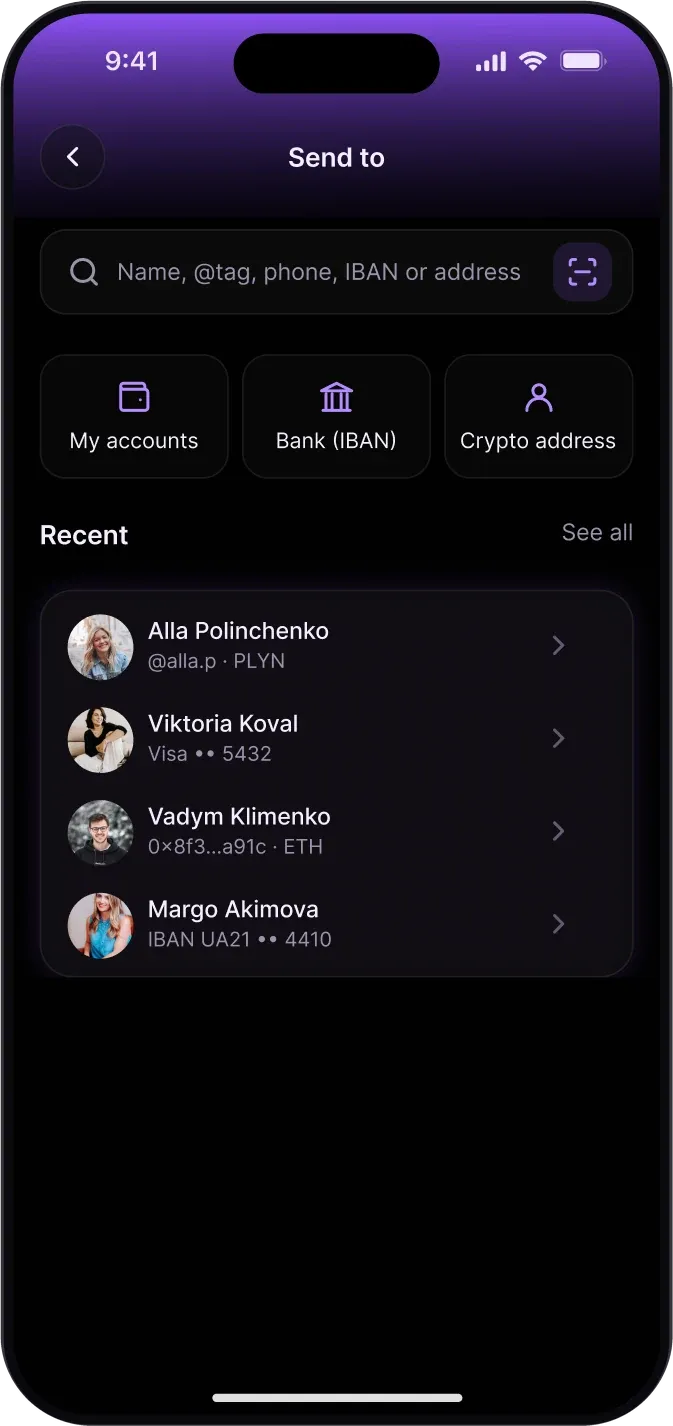
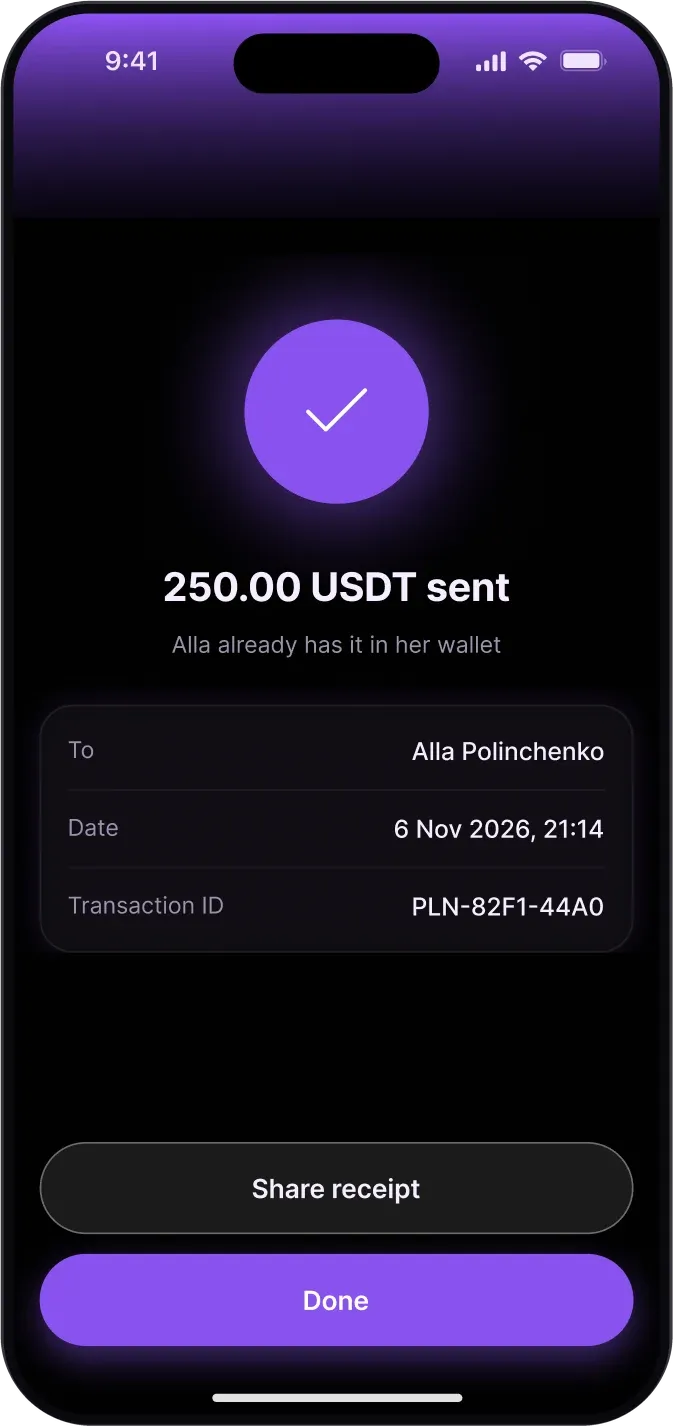
Every amount on screen before Face ID.
Sending money
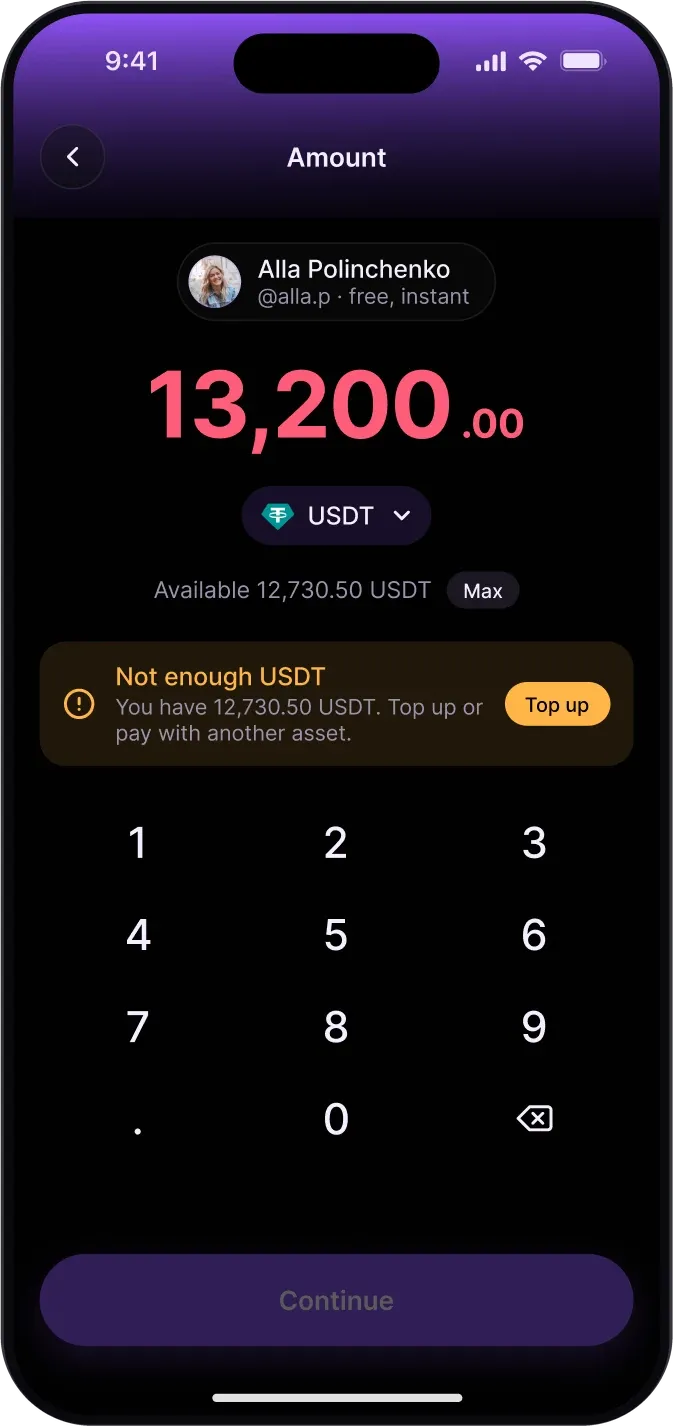
Recipient, amount, review, done. Recent people show their method under the name: PLYN tag, card, bank account or crypto address. Fee and arrival time sit under the amount, everything is on one review screen, and Face ID is the confirm button. When there is not enough money, the button turns off and offers a top-up or another asset instead of an error.
Getting money in
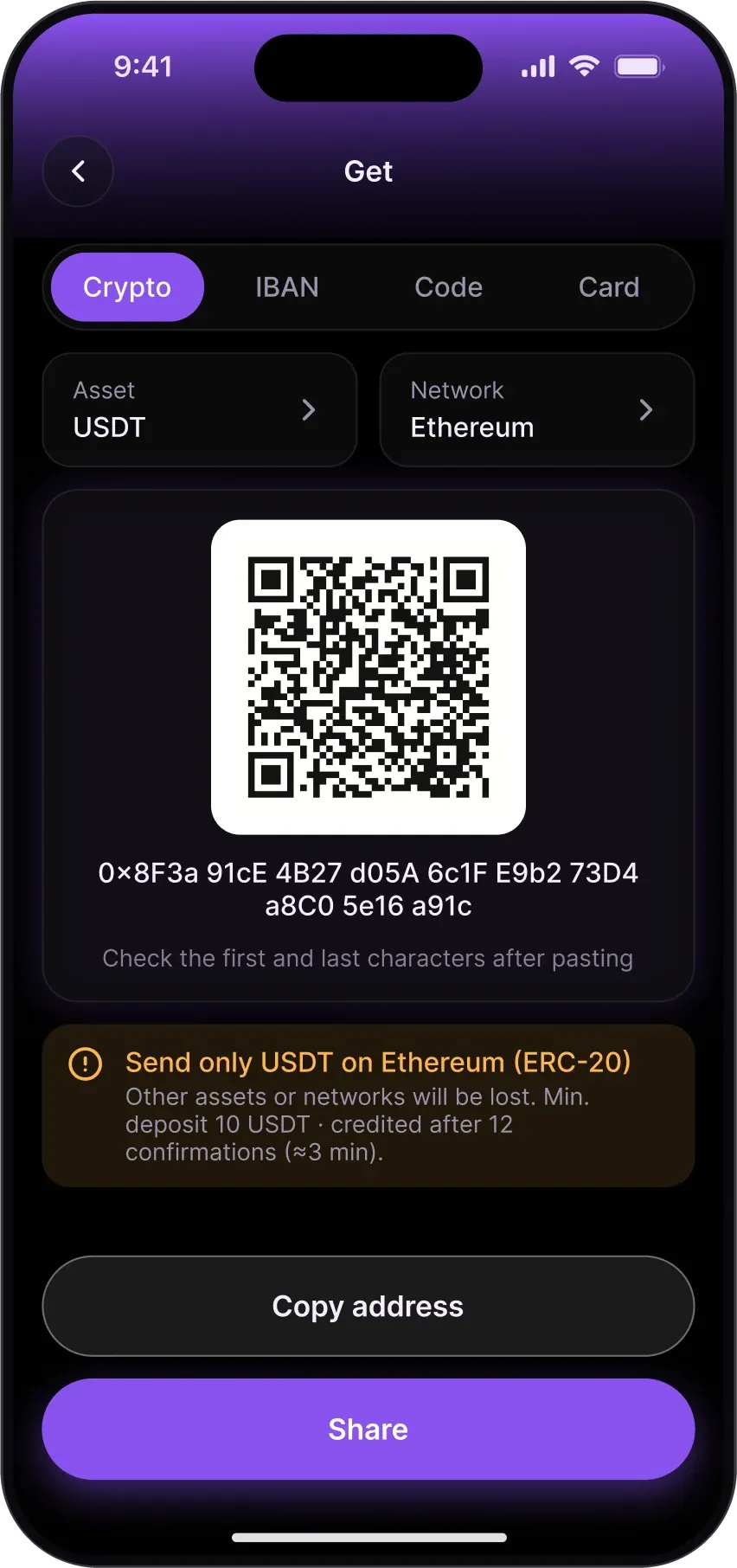
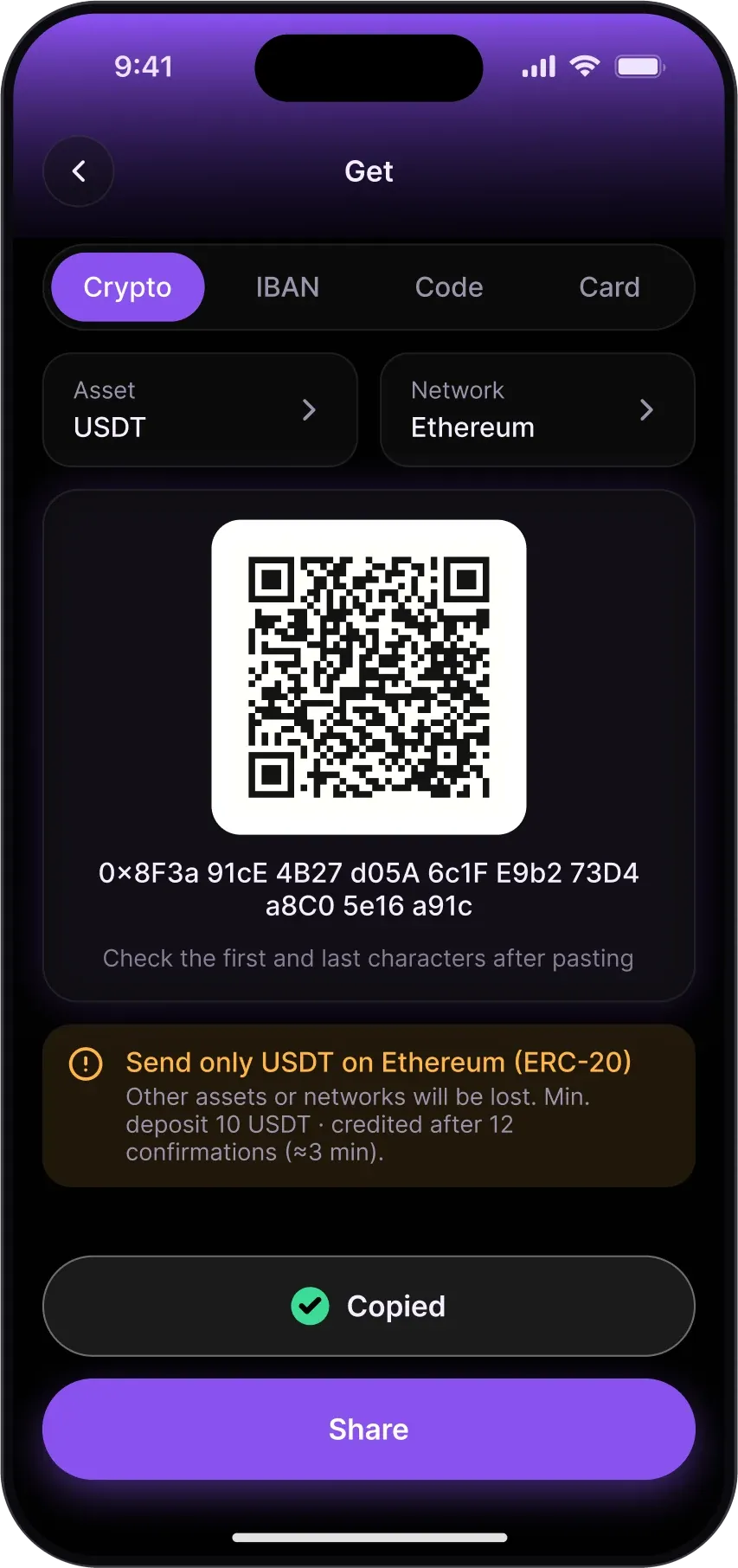
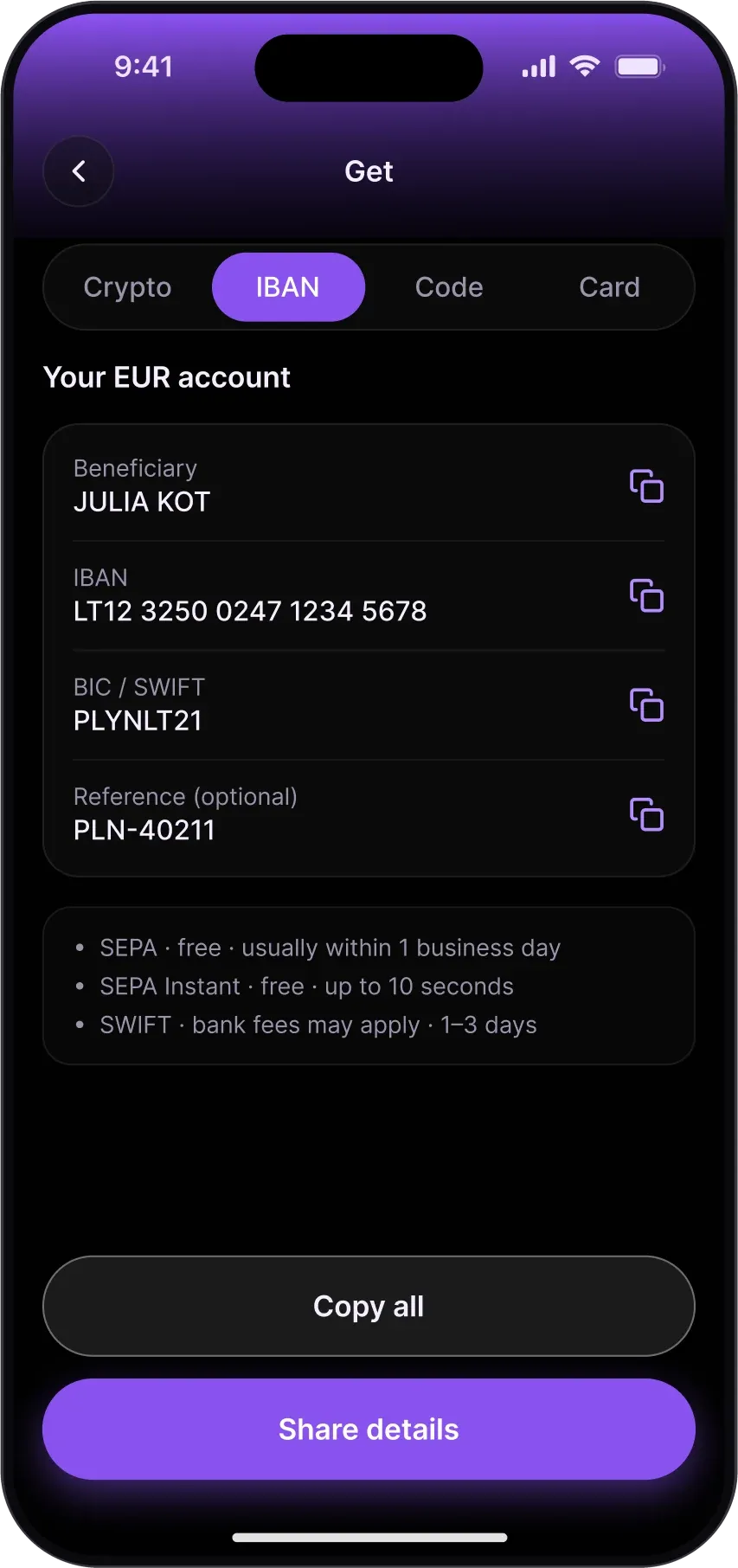
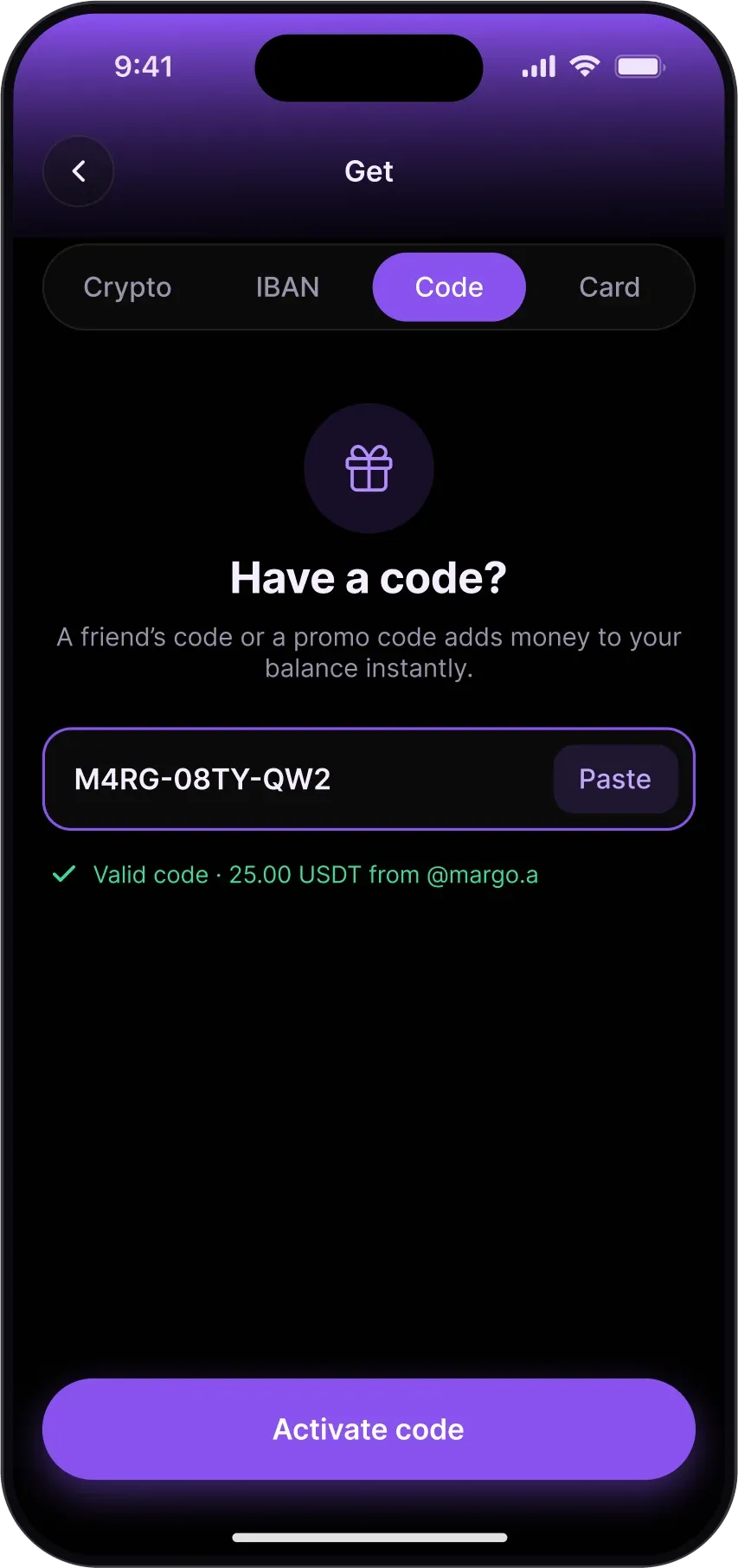
Crypto address, bank details, gift code and card top-up share one screen and one set of buttons, so getting money never starts with a choice of menu. The network warning is mandatory, and the app asks the user to check the first and last characters after pasting an address.
Putting idle money to work
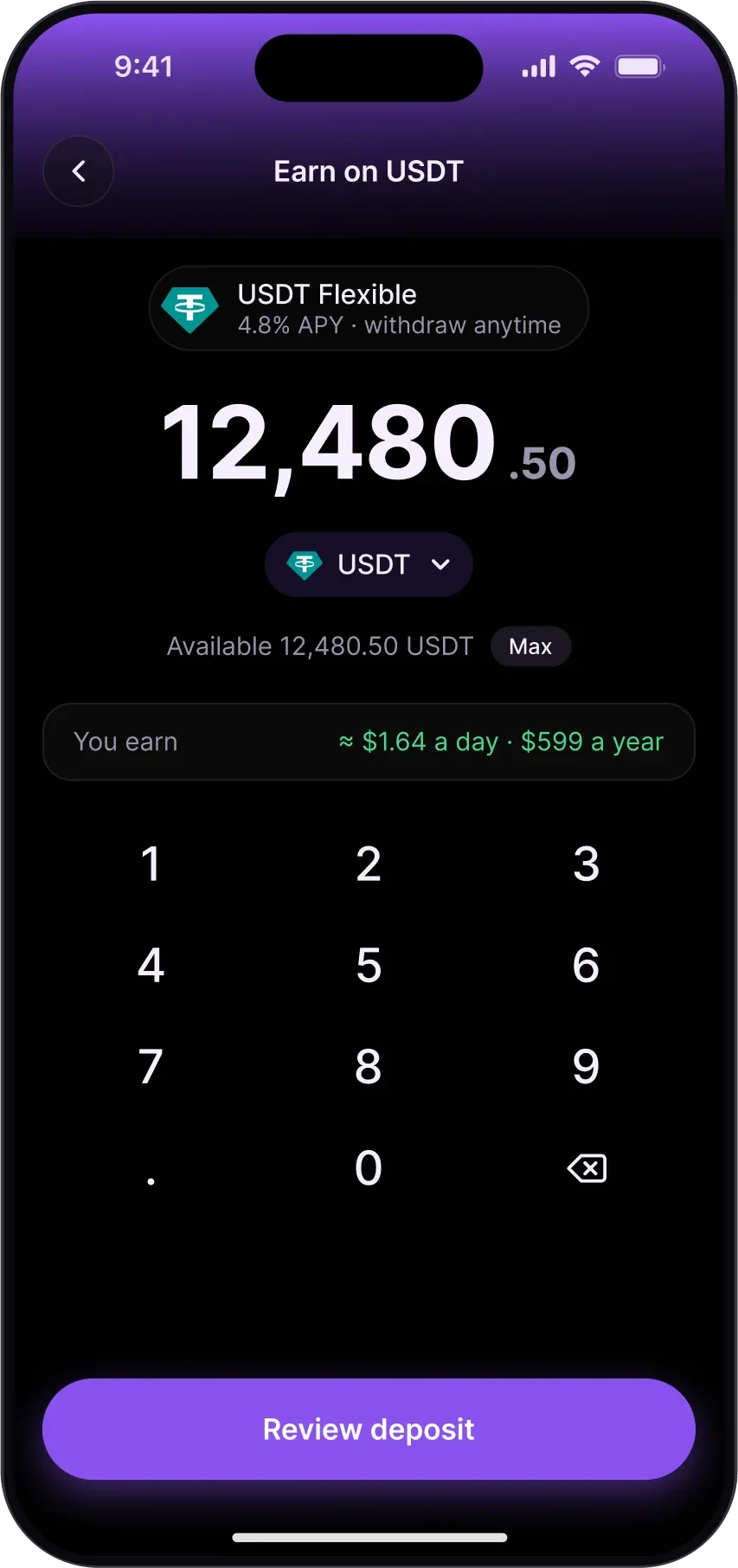
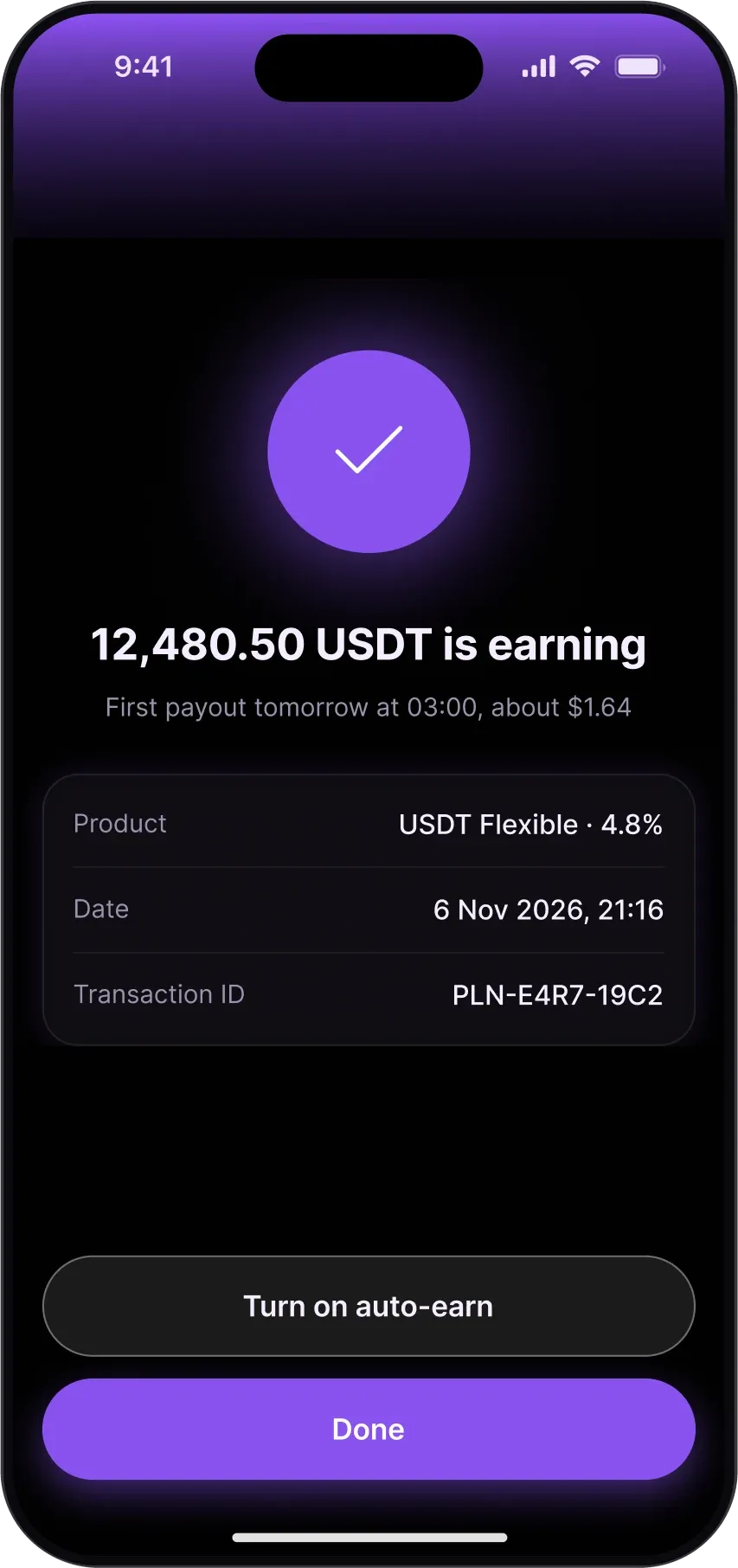
The AI finds stablecoins doing nothing and pre-fills the amount. The rate, payout time and expected result are shown before Face ID, and the money can go back to the balance any day.
Cards, Prime and gift codes
The Cards tab shows the card, its controls, the month’s spend and card-only history; a new card takes three steps, with every fee written out before it is issued. Prime opens with the card as the hero and a clear yearly price. Gift codes reserve the money, look like a gift card and show every status in one list; unused money comes back.
When something goes wrong
Loading, offline, a wrong network and nothing to fix. Skeletons keep the layout still while the balance loads; offline shows the last balance and its time and pauses only sending; a wrong network turns Continue off and offers a safe route. Each state says what happened and offers one way forward.
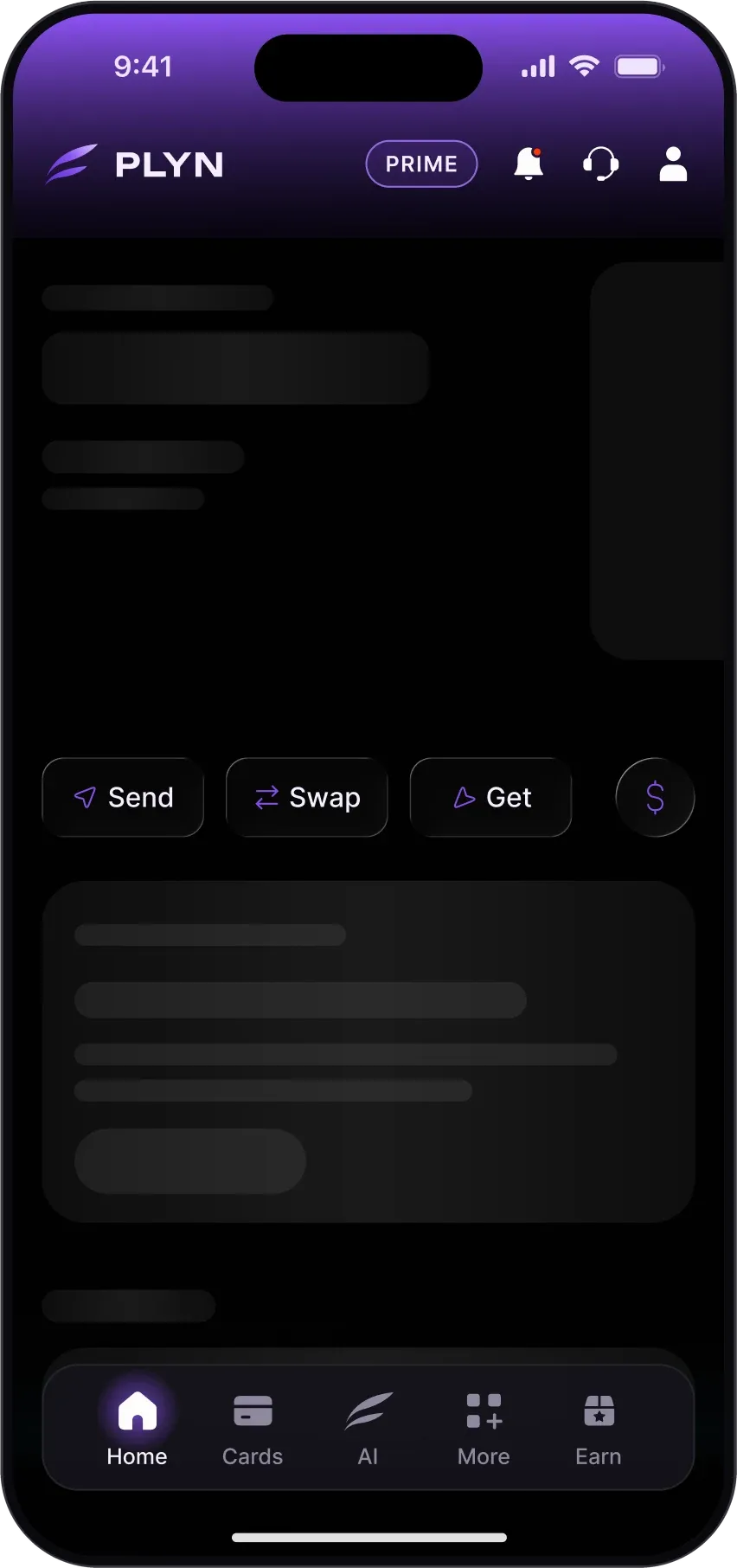
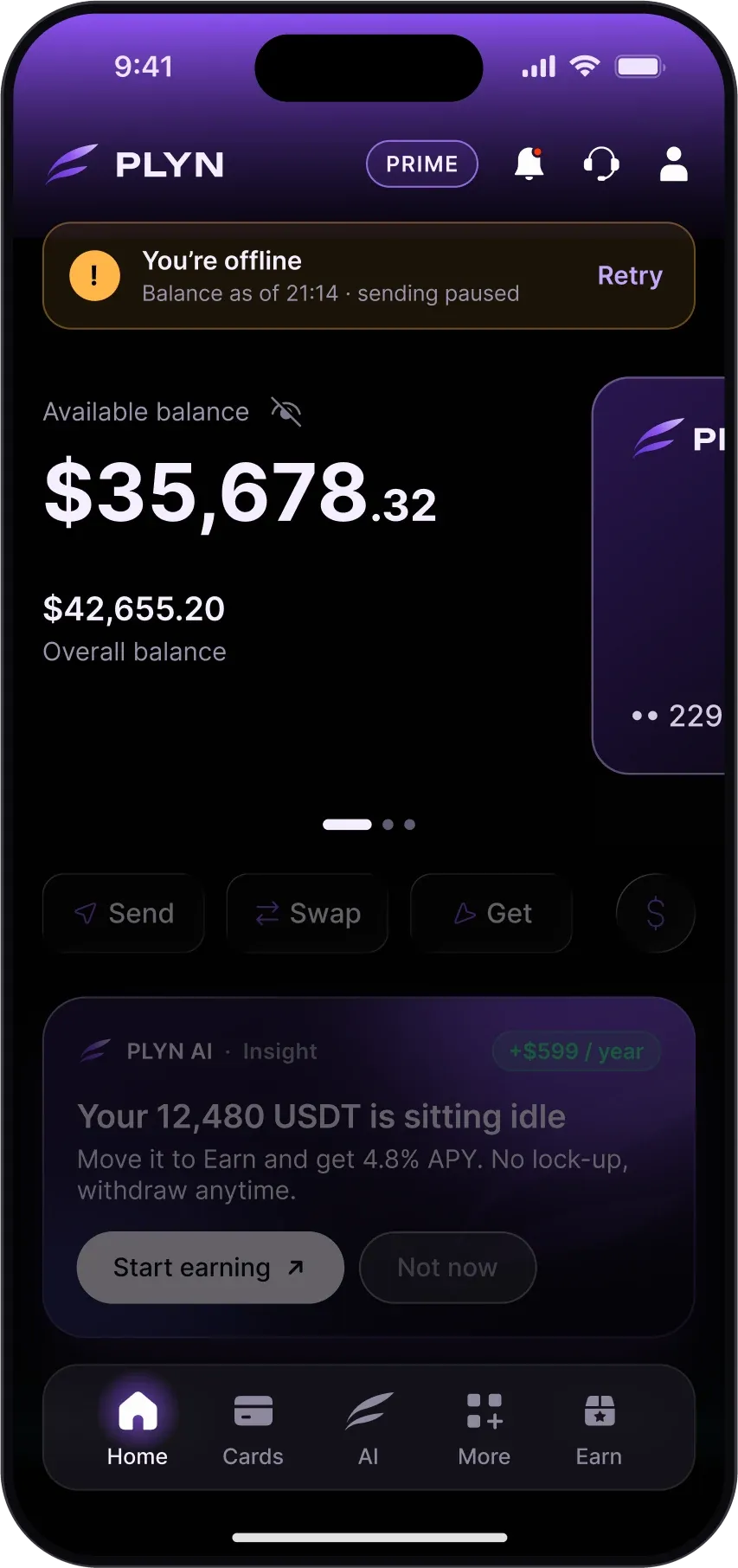
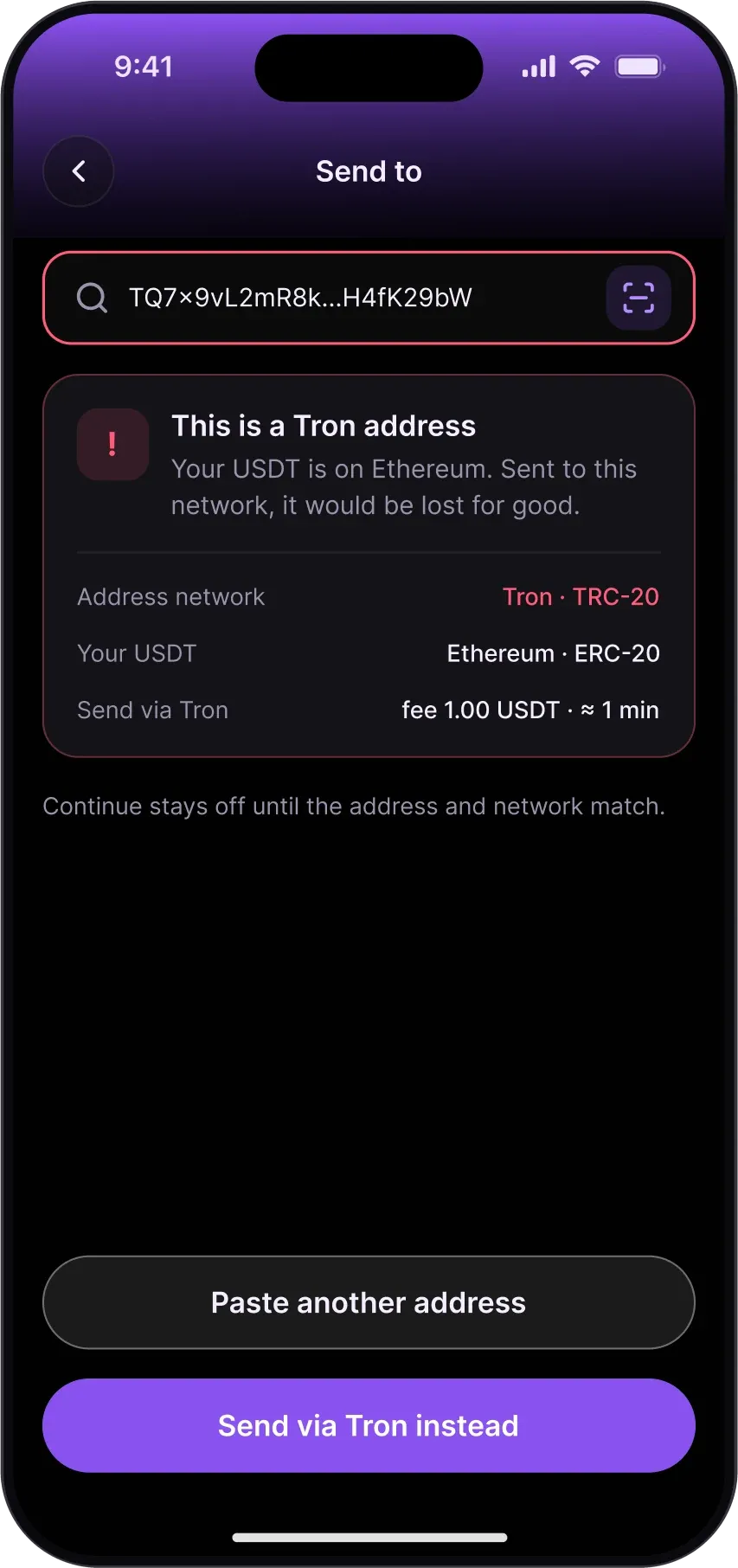
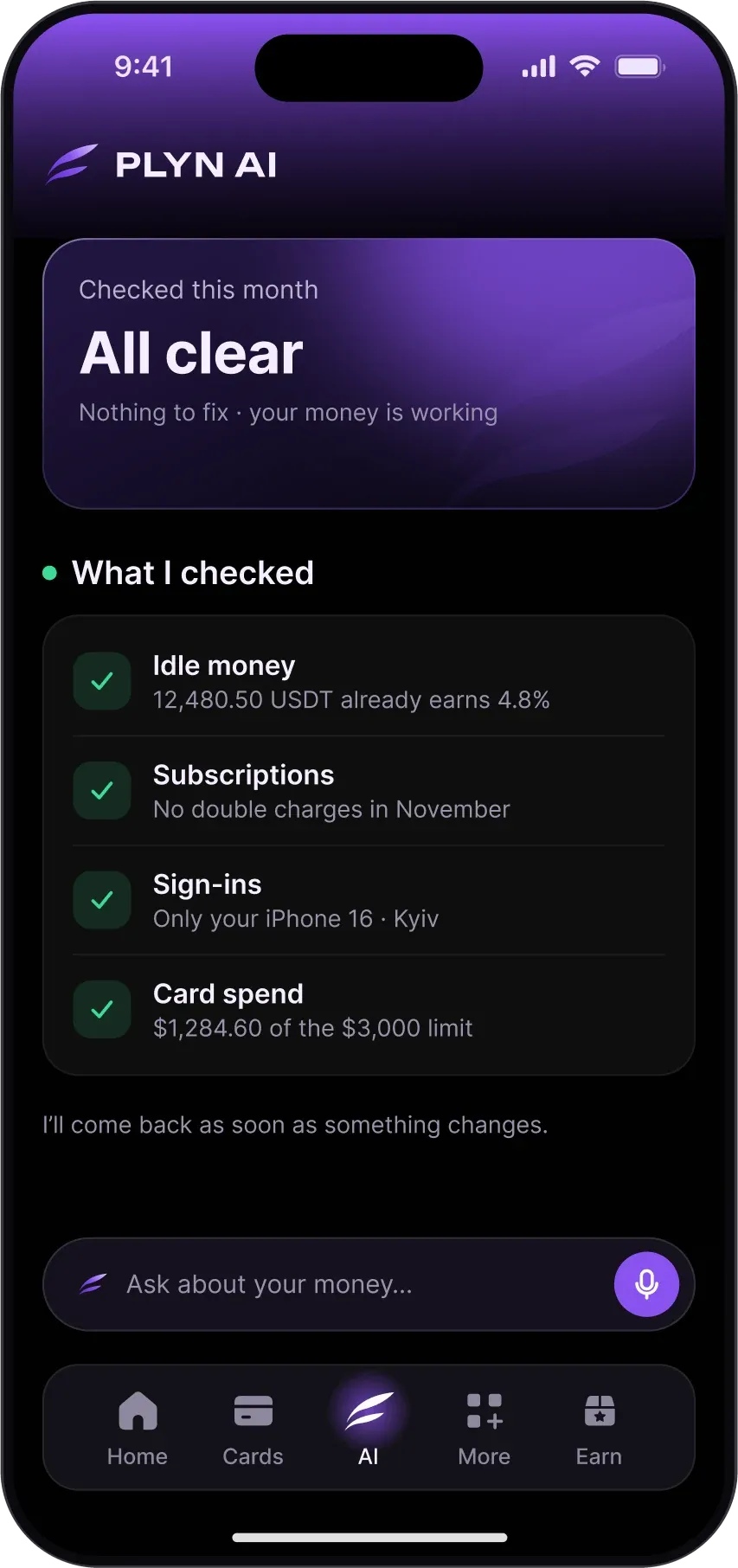
The moments money arrives.
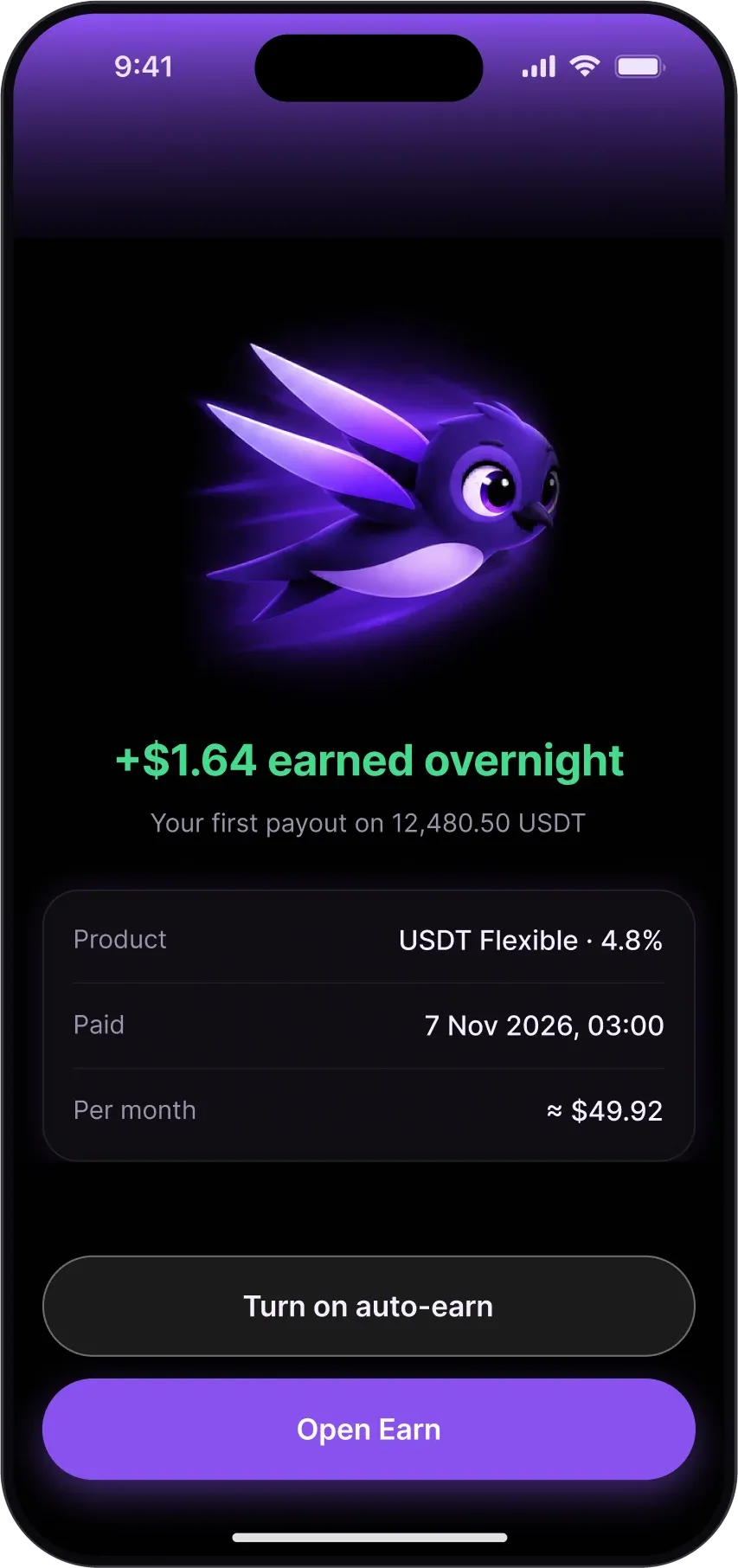
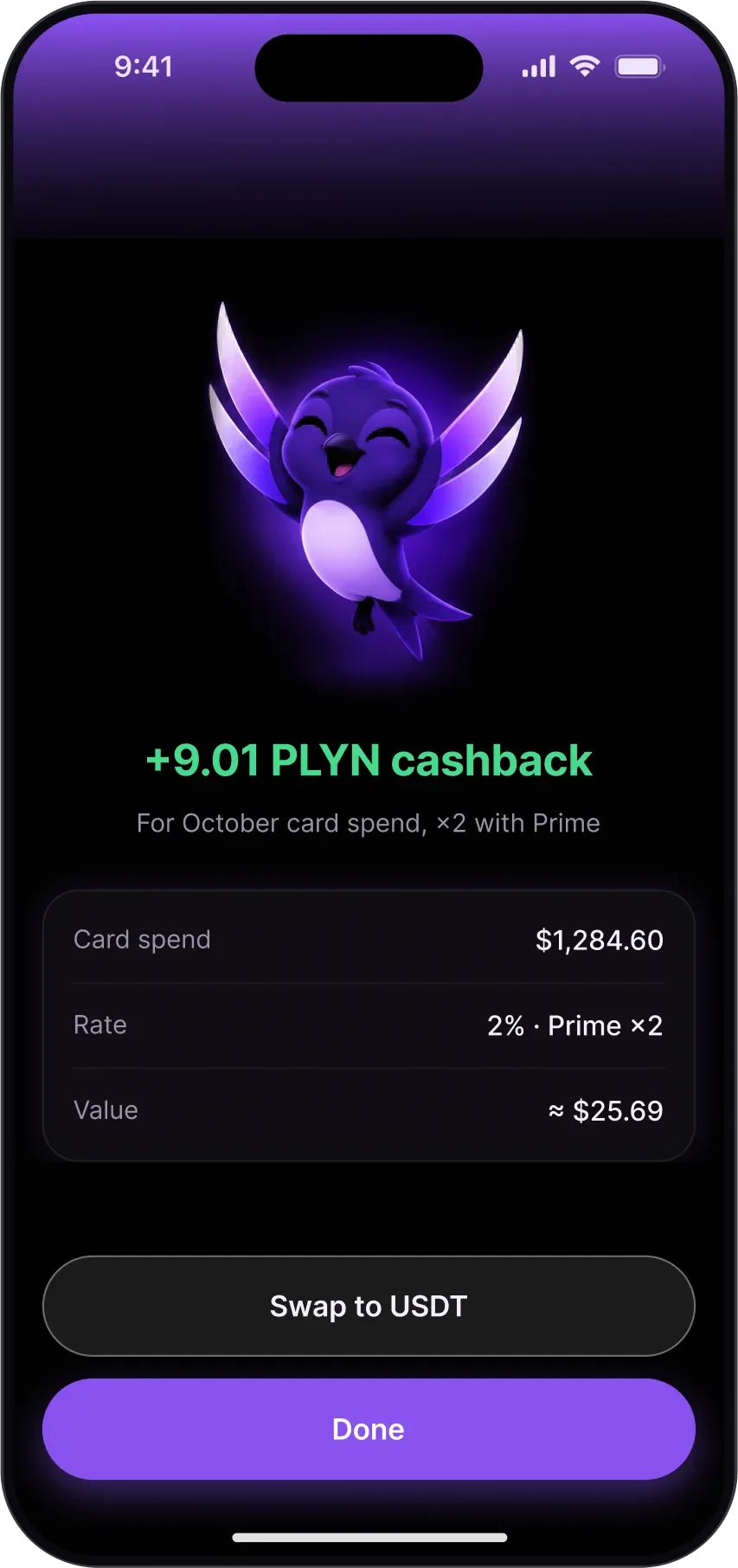
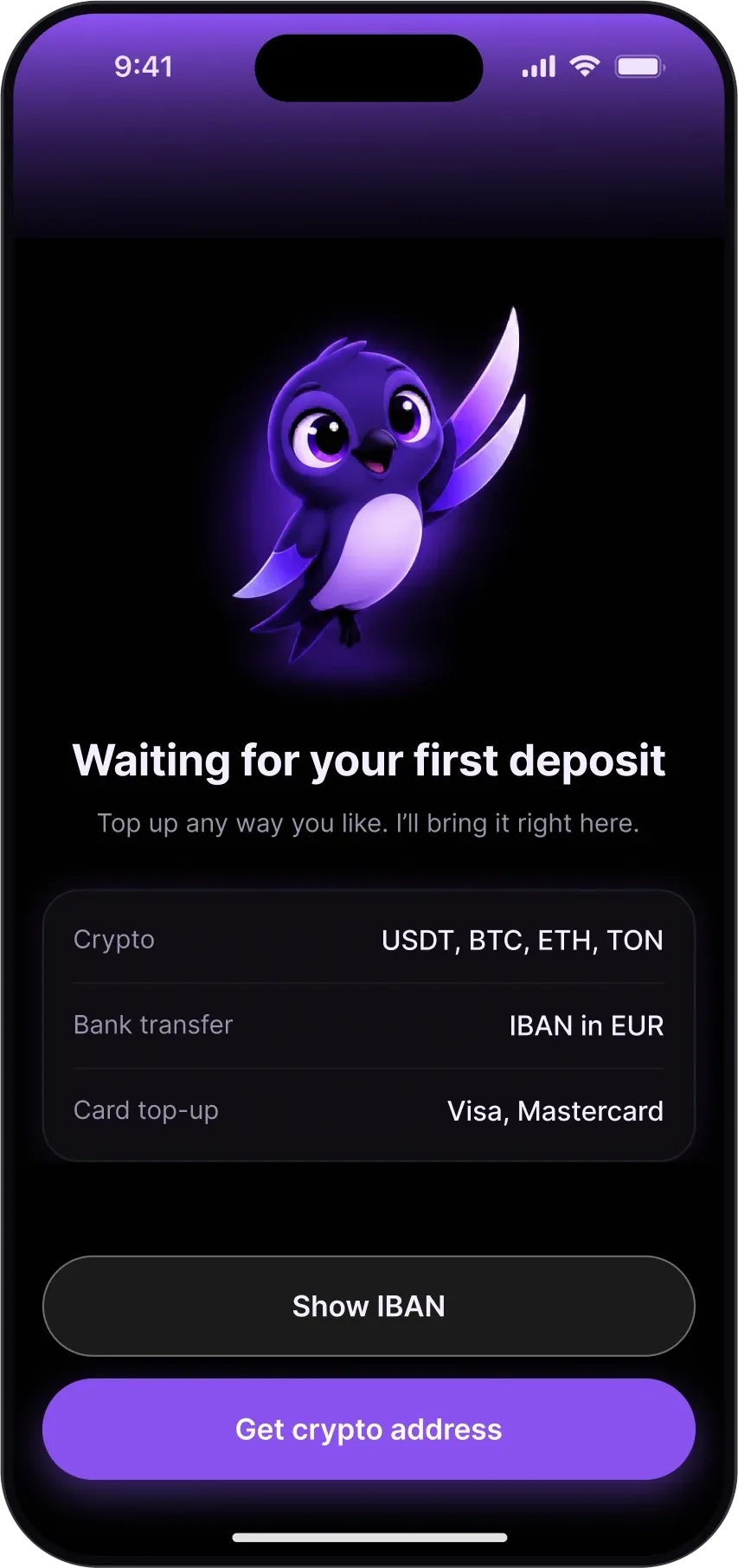
The mascot shows up only when money arrives or waits: the first payout, cashback and an empty wallet before the first deposit.
Money that never stands still.
Money should move like water: without friction, without noise, without stopping.
Mark
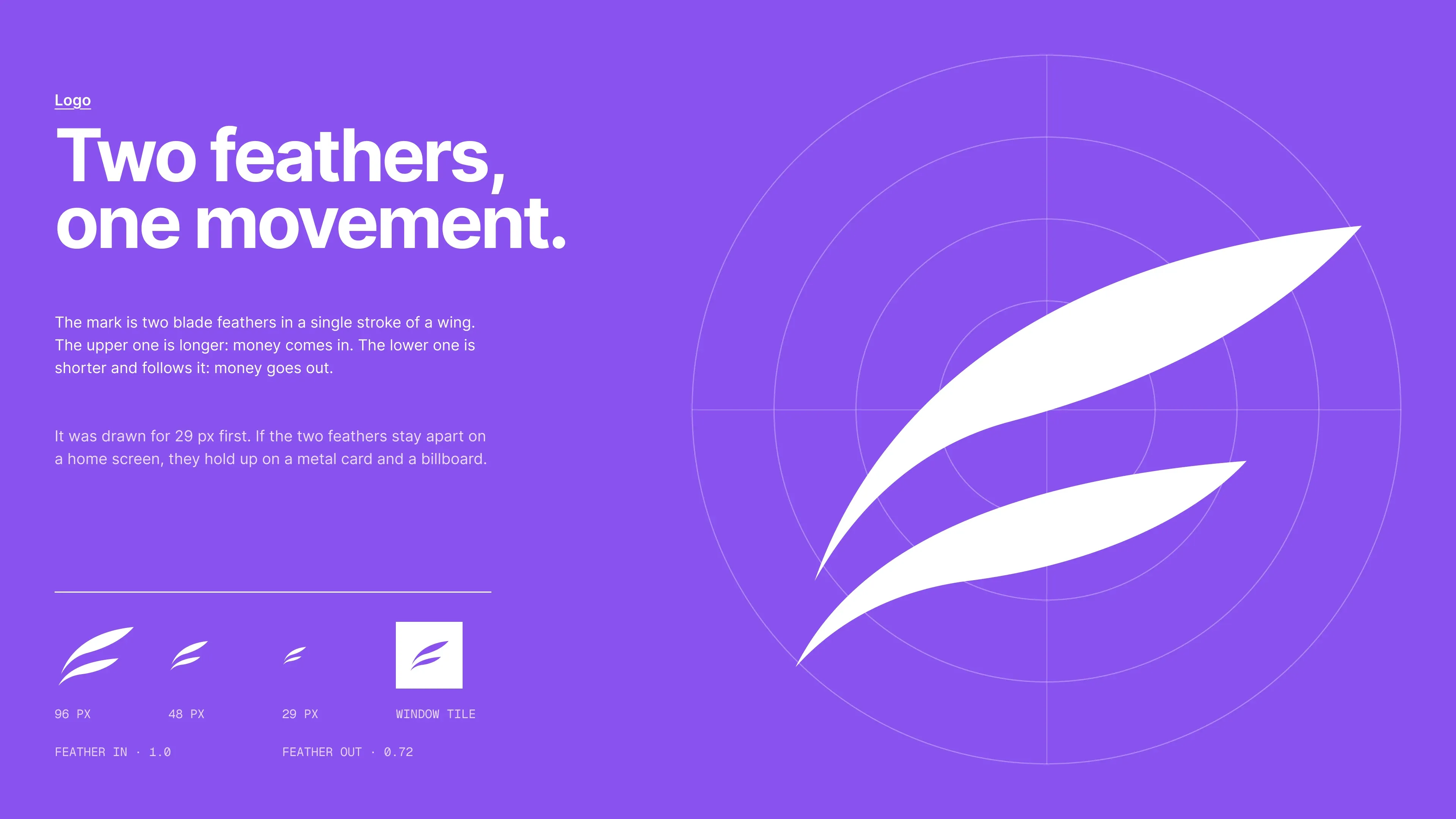
Two blade feathers in a single stroke of a wing: the longer one is money coming in, the shorter one follows it out. Drawn for 29 px first, so it holds from a home-screen icon to a metal card.
Palette
An almost-black interface so money and light can glow. One violet marks the single main action on each screen; green, red and amber are reserved for what money does.
Mascot
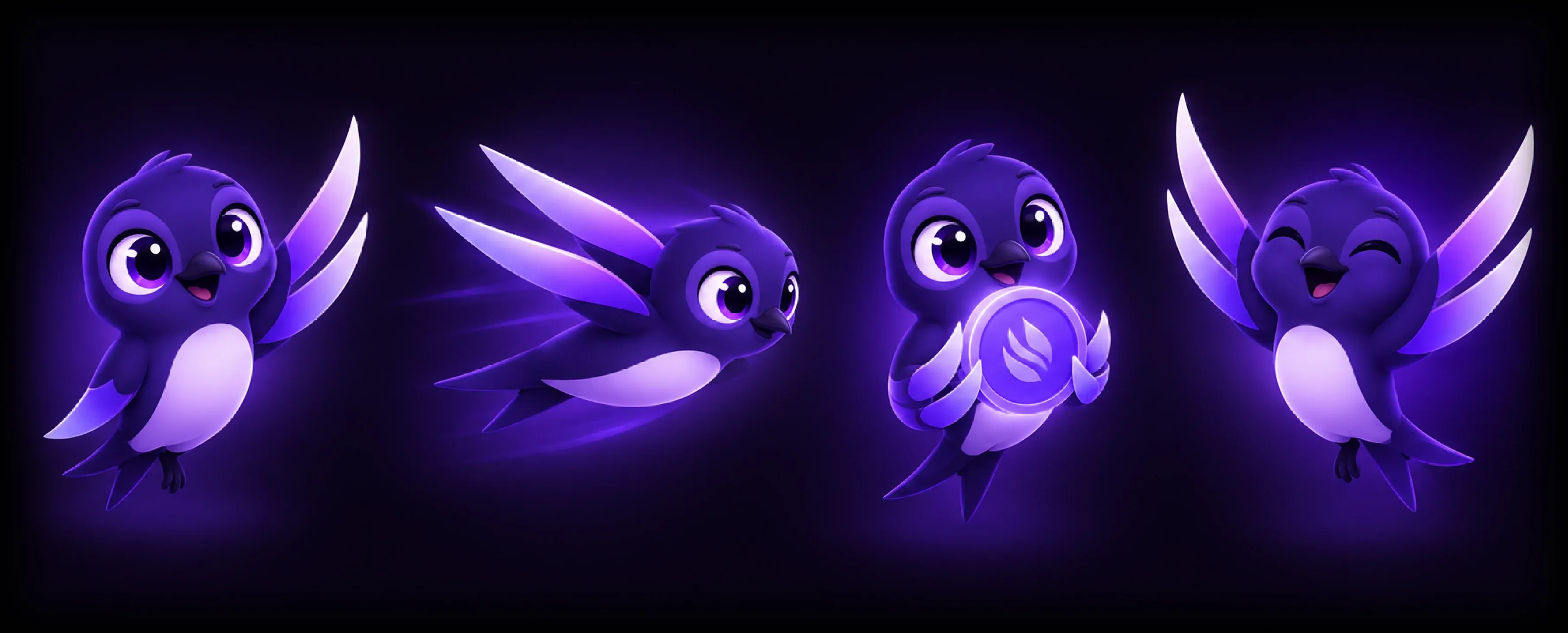
Stryzh, a swift. Swifts eat, drink and sleep on the wing, so he stands for money that keeps moving. His wings are the logo’s two feathers, so the mark and the mascot are one shape.
Design system
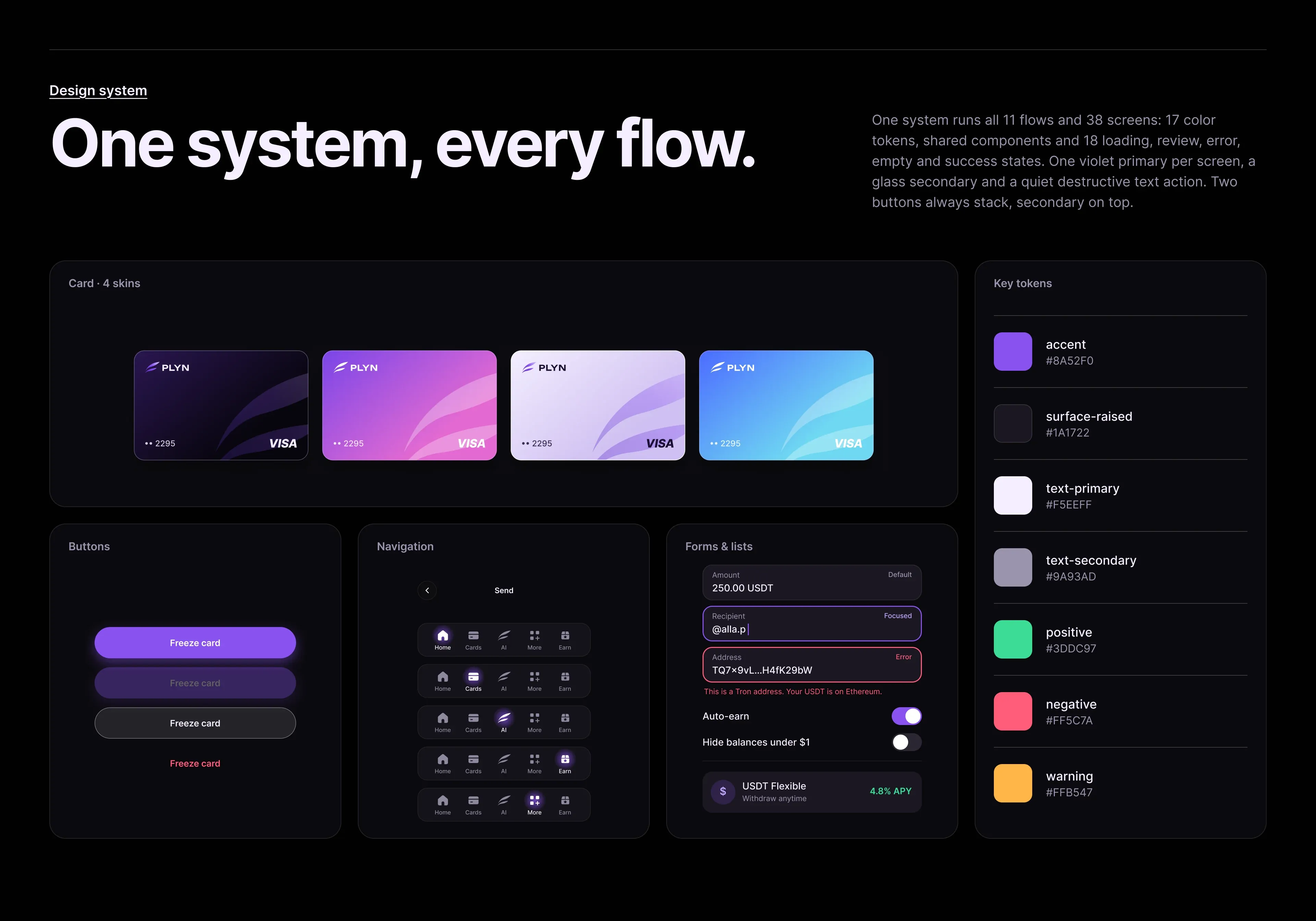
One system runs all 11 flows and 38 screens: 17 color tokens, shared components, four card skins and 18 loading, review, error, empty and success states. One violet primary per screen, a glass secondary and a quiet destructive text action; two buttons always stack, secondary on top.
- Case · Payments, banking and crypto · US
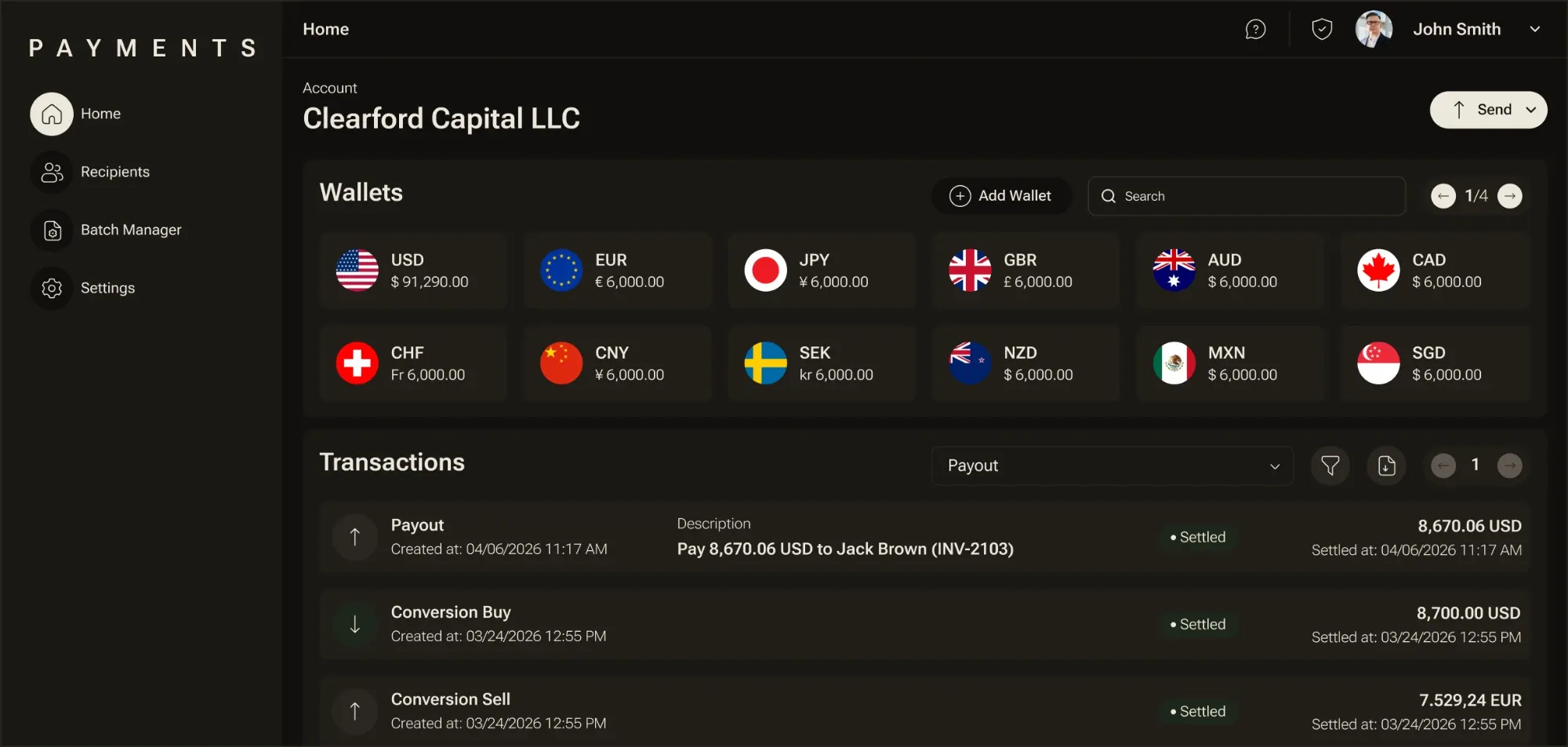
Built from scratch. Acquired within a year.
We defined the product, built the platform and connected the providers.
Read the case → - Case · Cross-border payments platform
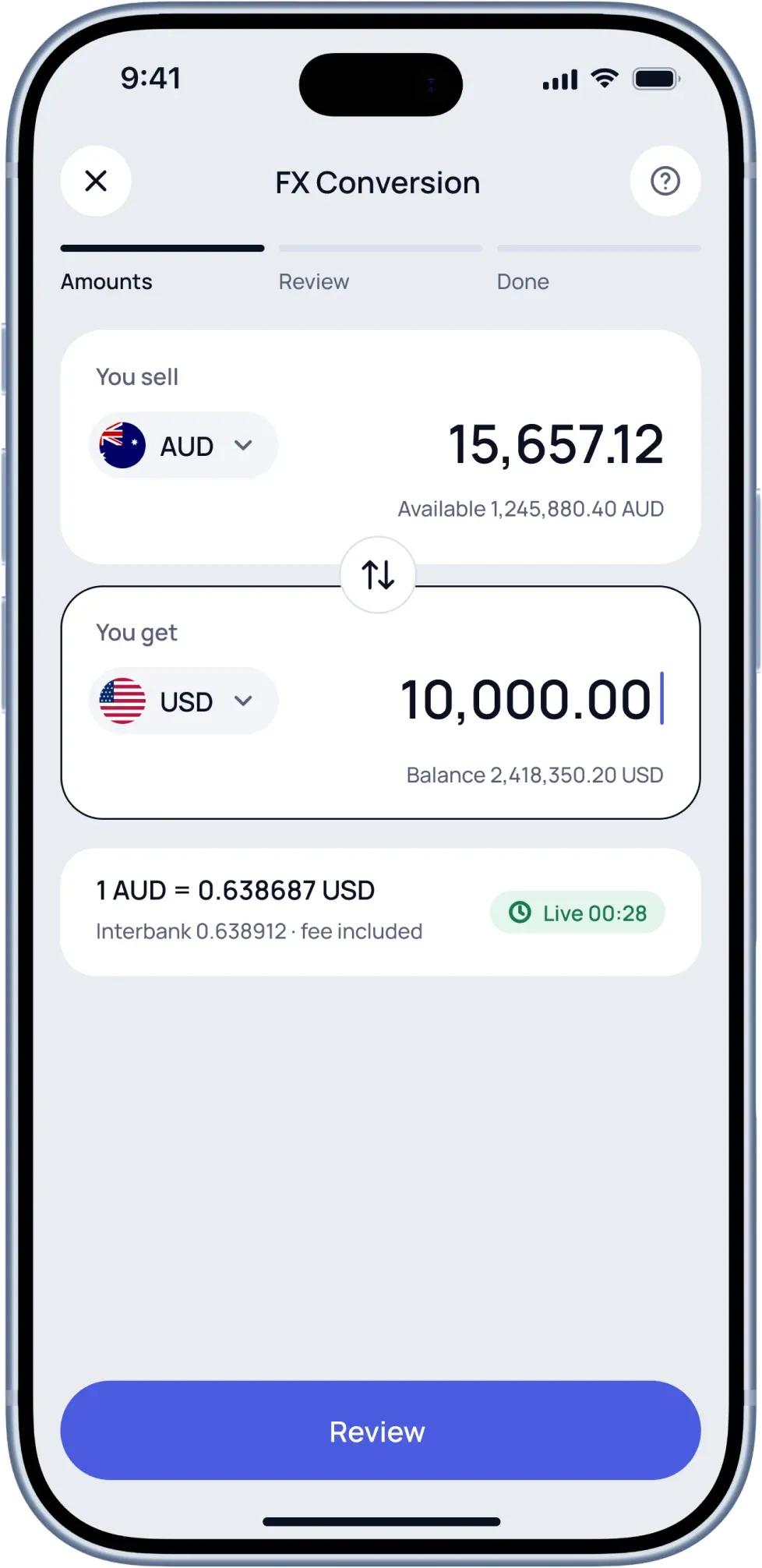
One platform for money that crosses borders.
Wallets, payouts, FX, crypto and compliance in one product.
Read the case →
Let's get your platform moving money.
Bring a business plan, a prototype or just an idea. No technical specification needed: we'll work out the rest together.
- 01We talkA 30-minute call about your product and plan.
- 02We mapDiscovery: user flows, architecture and a delivery plan.
- 03We buildYour platform, from MVP to production.